
Create custom maps from your data in seconds
Turn spreadsheets and geographic files into maps worth sharing. Colour US states, explore county boundaries, or plot your own points and routes on 16 basemaps.
- 8import formats
- XLSX, CSV, KML, KMZ, GPX, GeoJSON, TopoJSON, Shapefile
- 16vector basemaps
- Streets, terrain, dark and print palettes
- 6map types
- Choropleth, bubble, route, heat, catchment, pin
- 3×PNG export
- Up to poster size, plus GeoJSON download
Start with a map of the United States
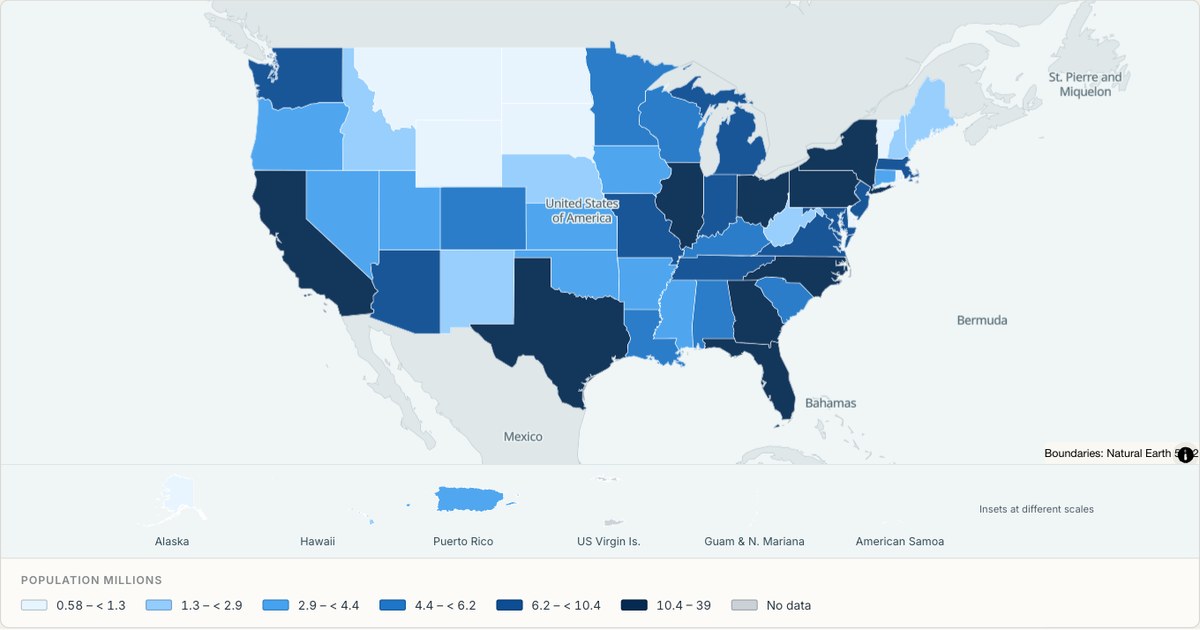
US state population
Census boundaries · population estimates
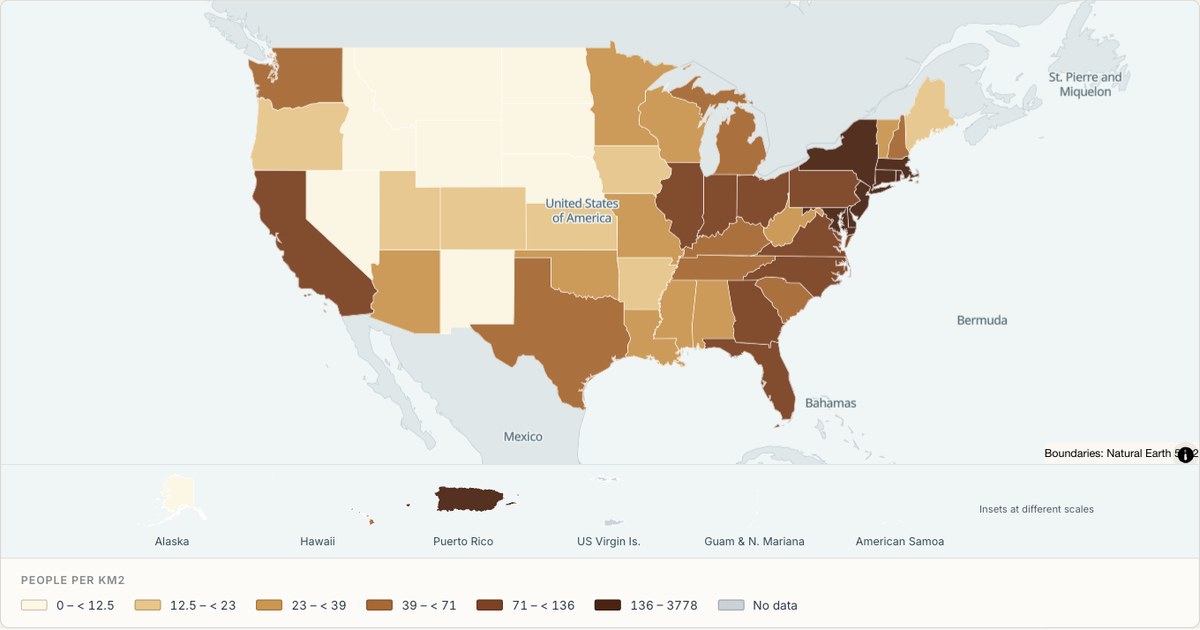
US population density
State choropleth · approximate density
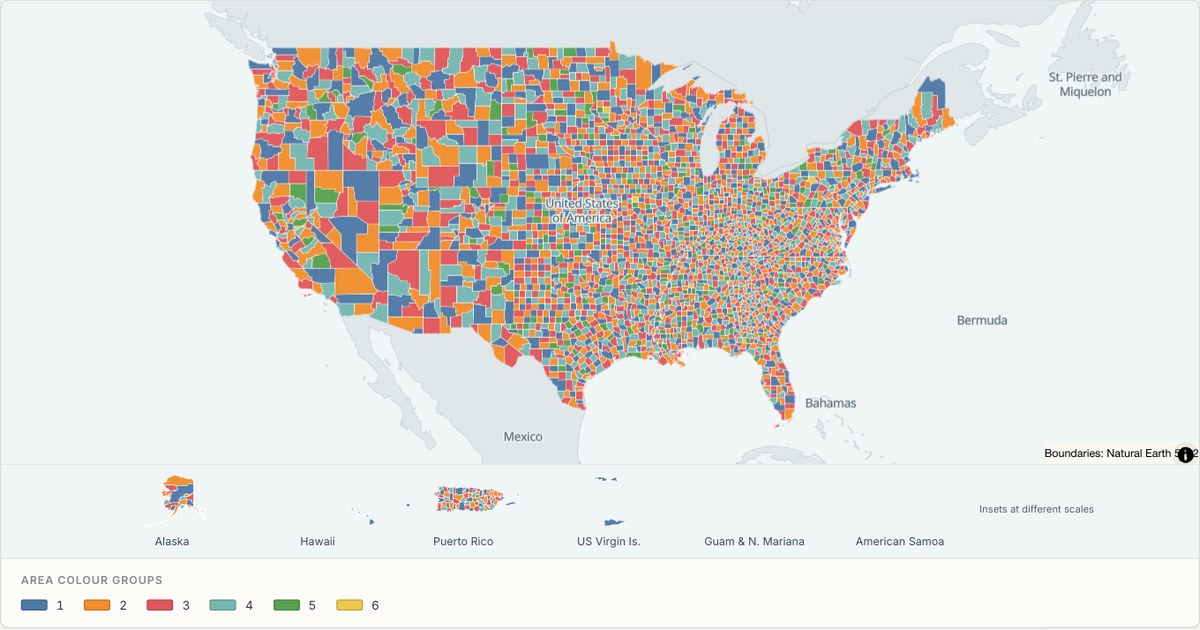
US county map
3,235 county areas · Census boundaries
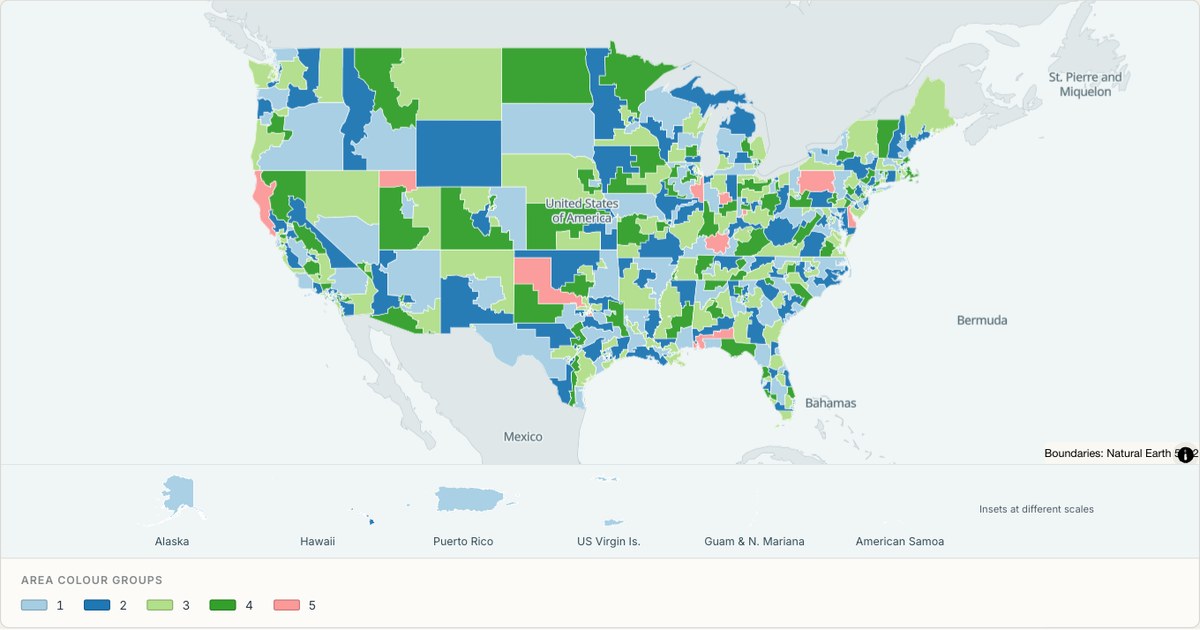
US congressional districts
441 districts and delegate areas · Census 2024
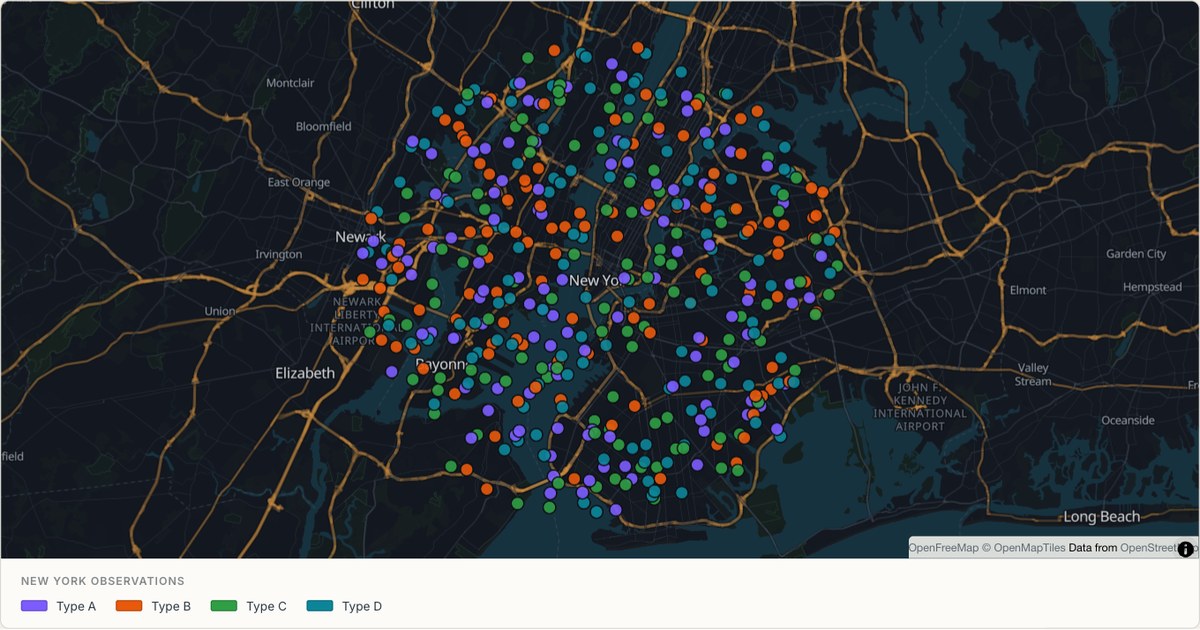
New York inspection map
Categorical points · simulated records
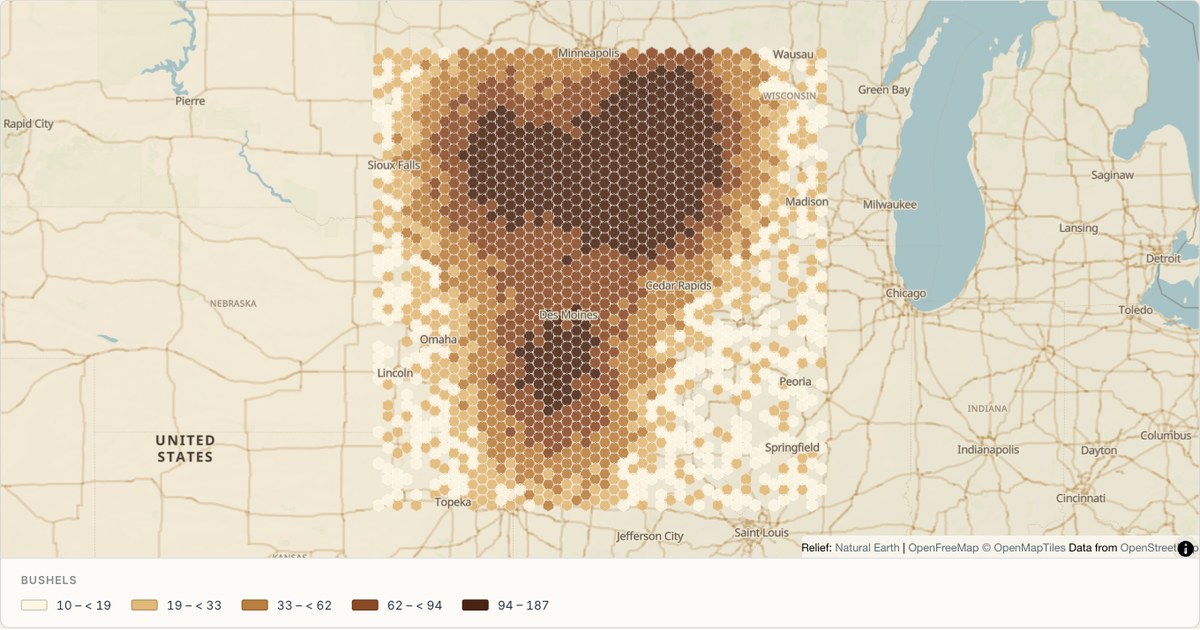
Midwest agriculture heat map
Hexagonal density · simulated readings
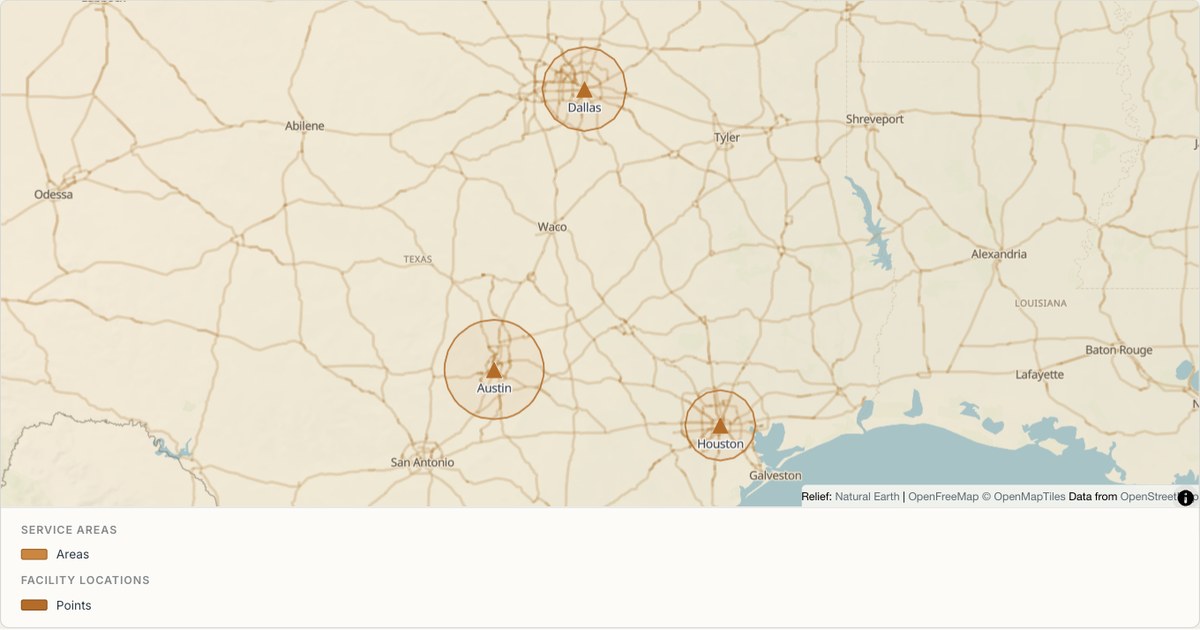
Texas school catchments
Service areas · illustrative catchments
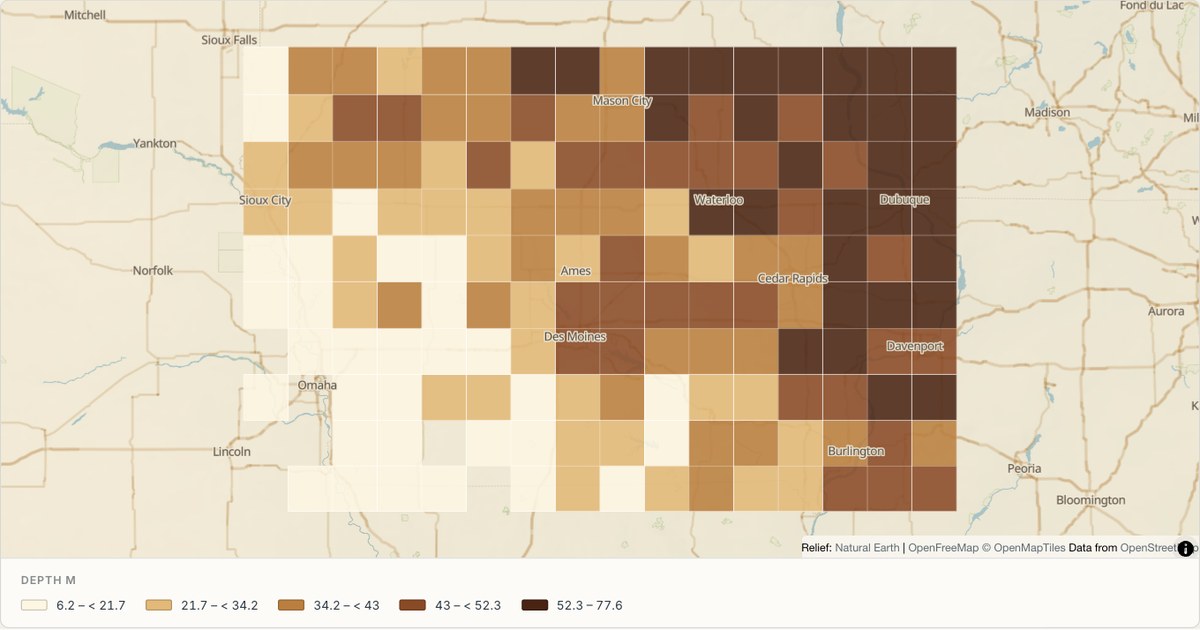
Iowa soil survey grid
Survey grid · simulated samples
Explore maps by category
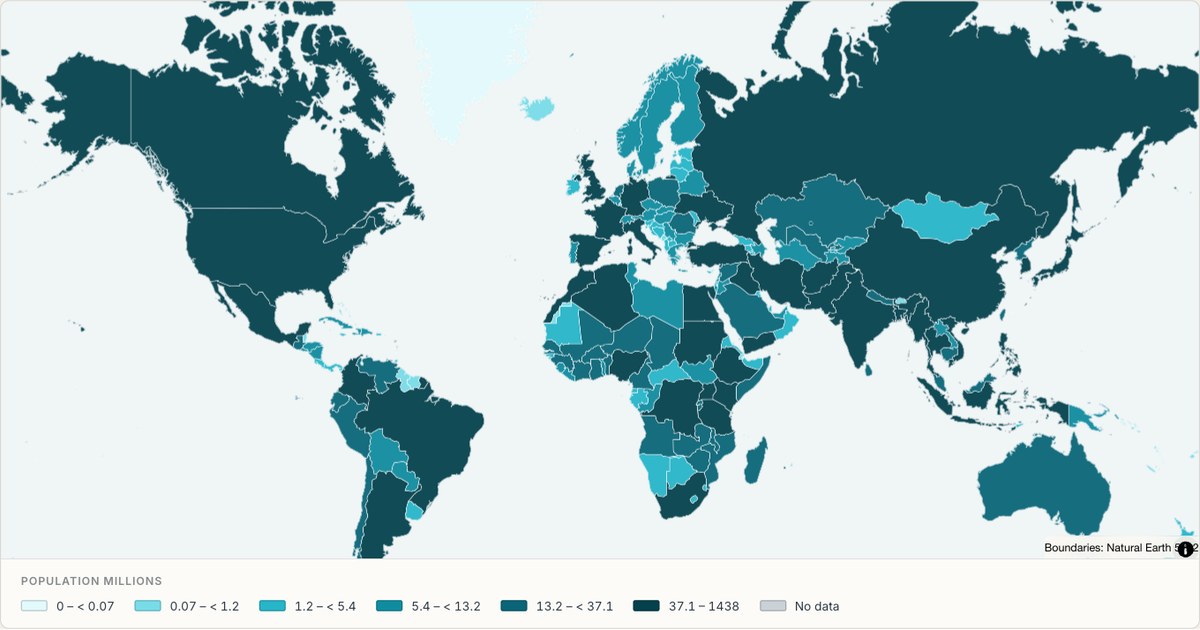
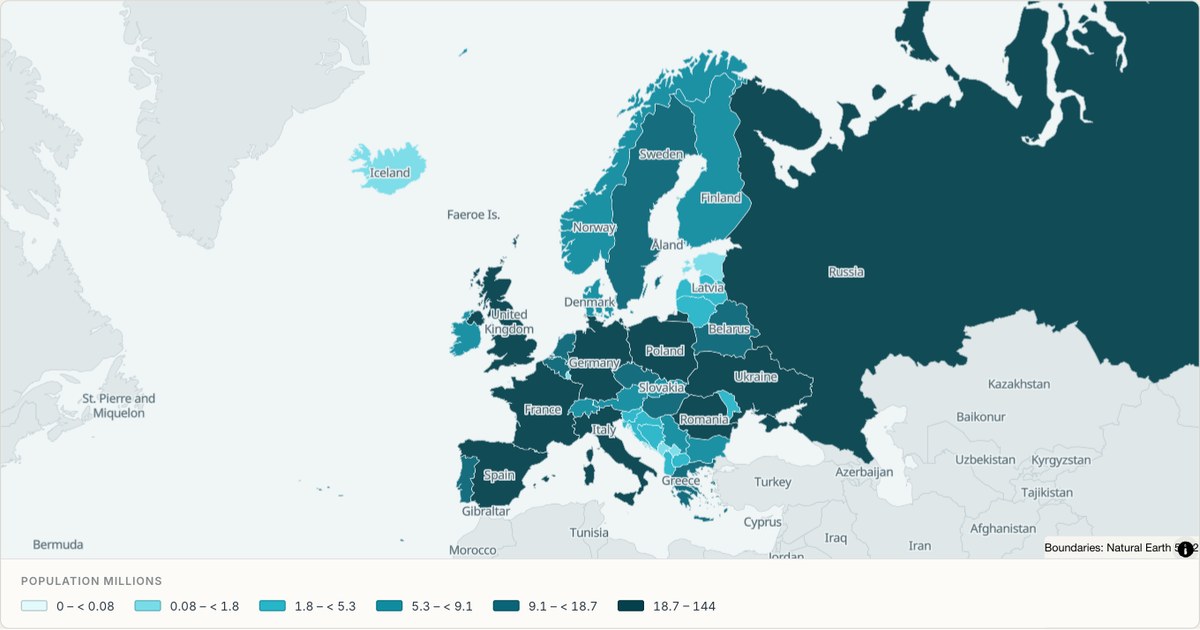
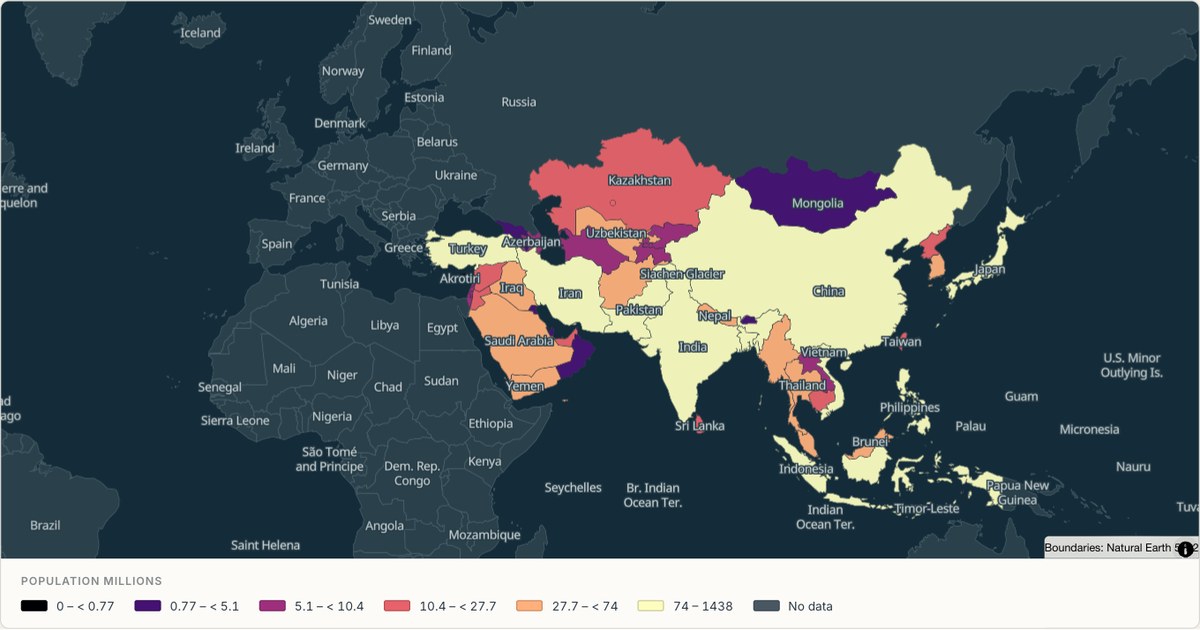
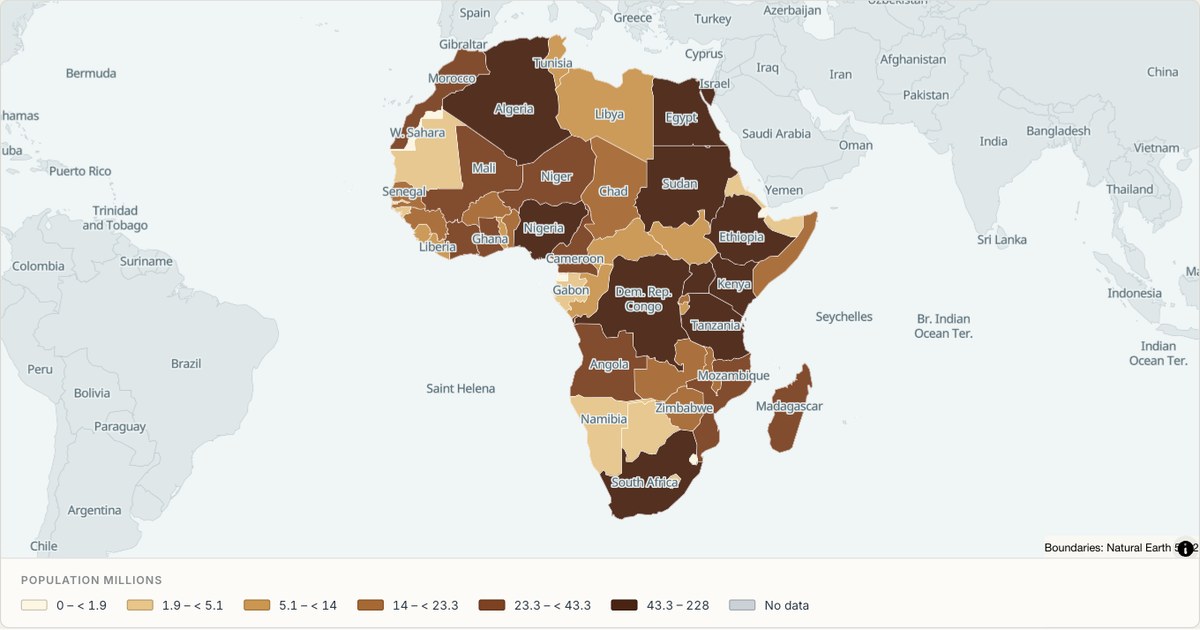
Choropleth maps
Colour whole regions by a value — countries, states, districts or any boundary file you supply.
Bubble maps
Size each marker by a number, so the biggest value is visibly the biggest place.
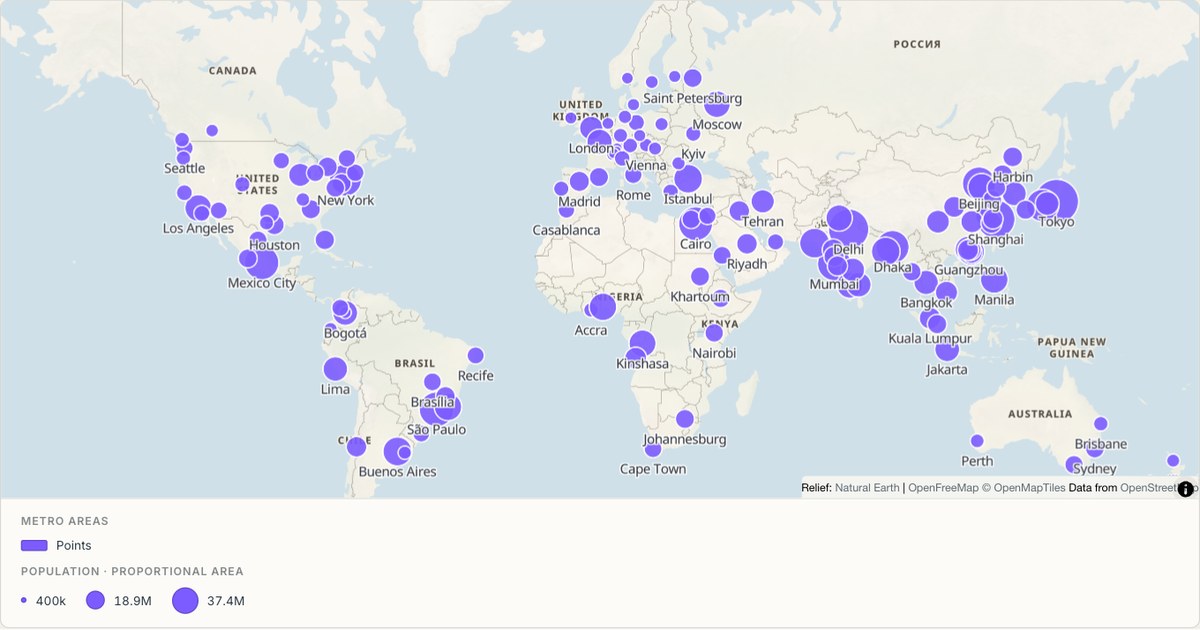
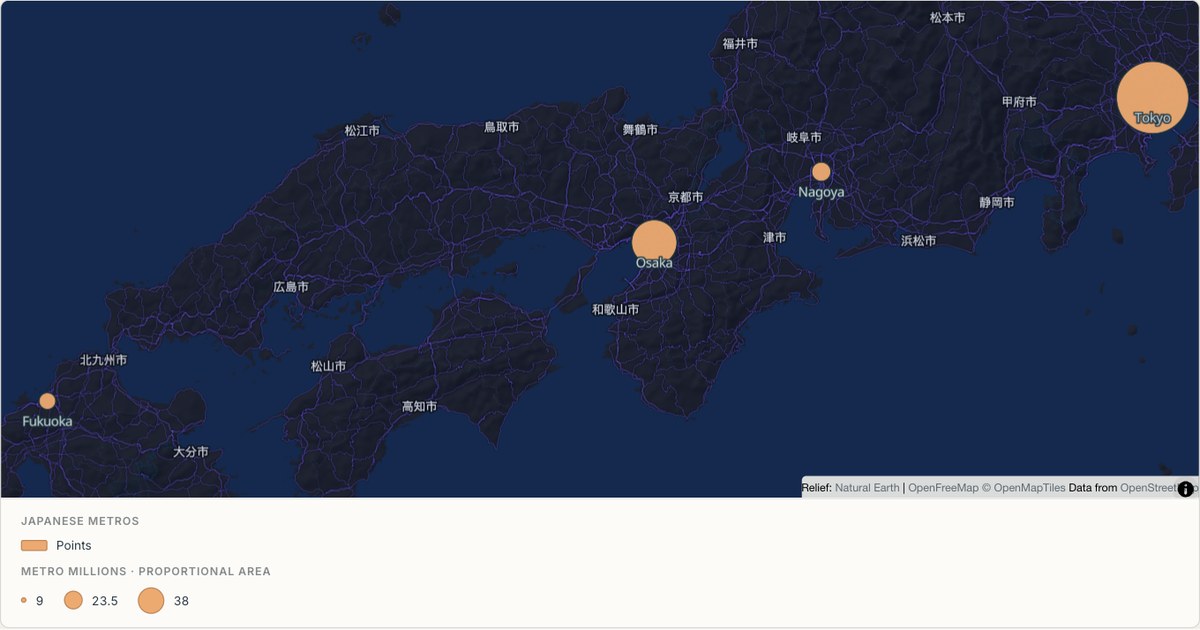
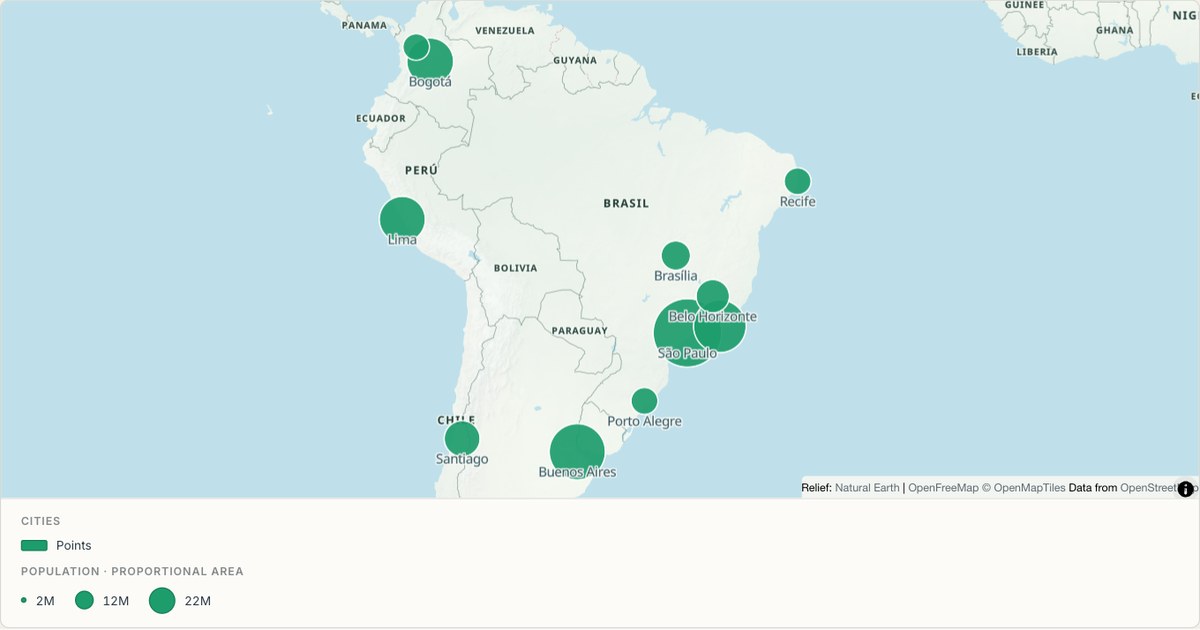
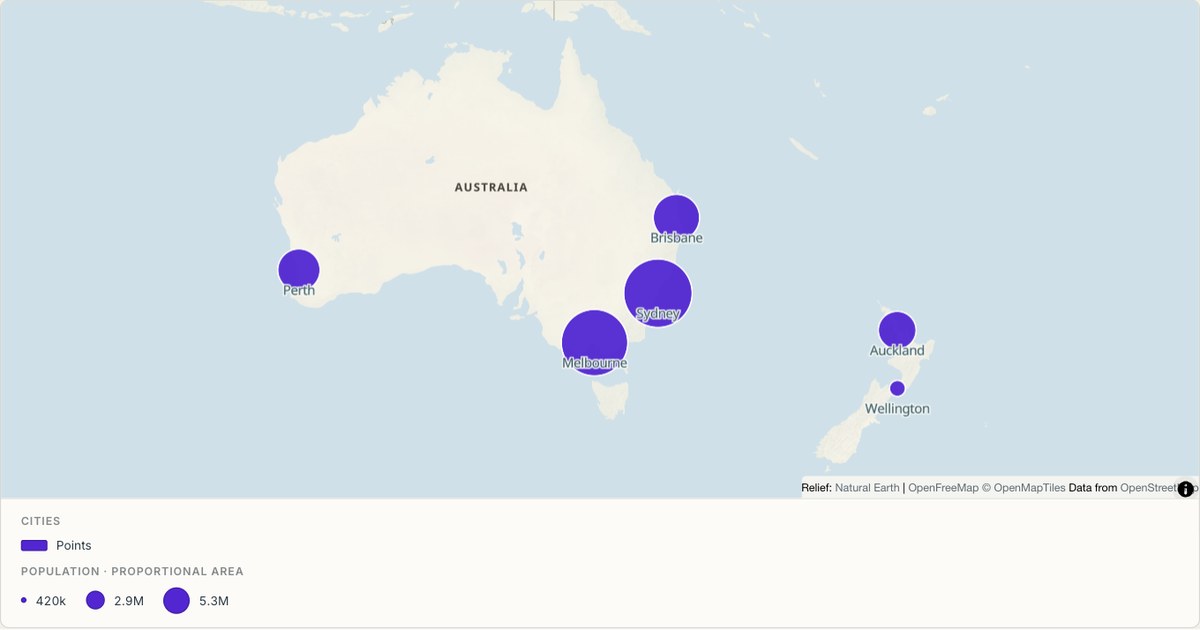
Route maps
Draw paths, tracks and connections from a list of stops or a recorded GPS file.
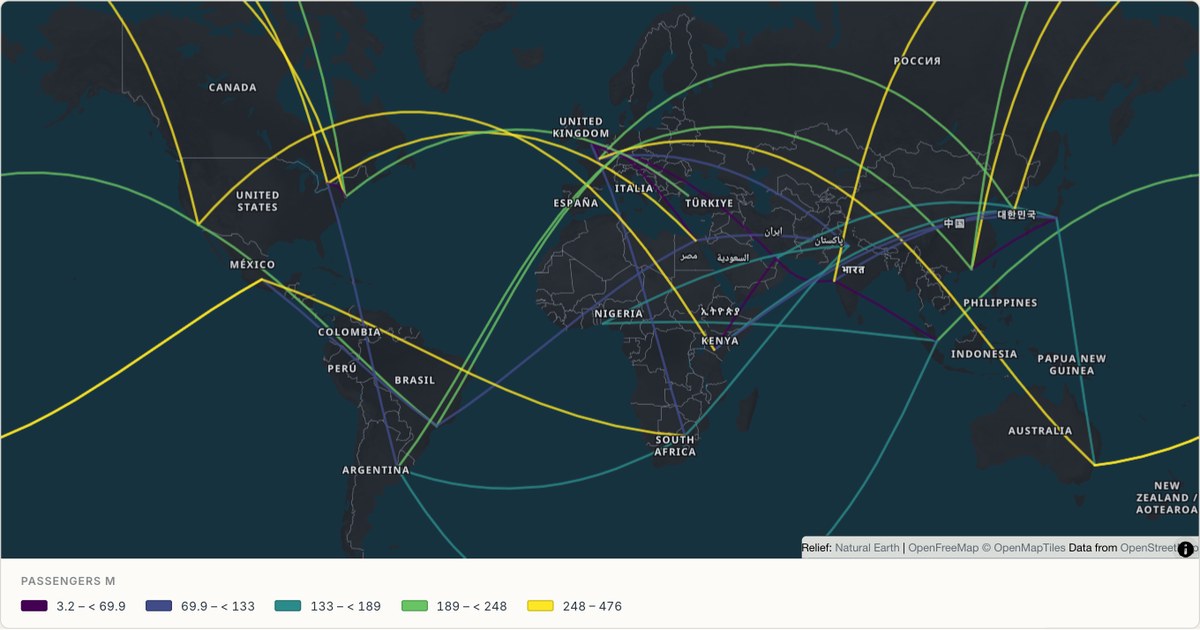
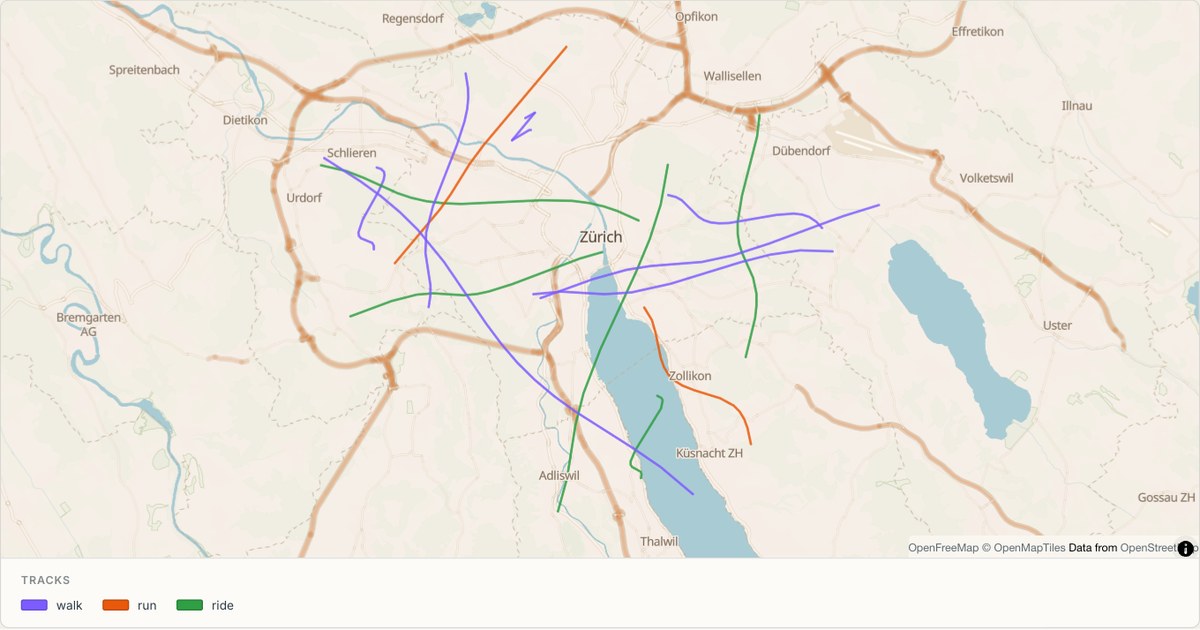
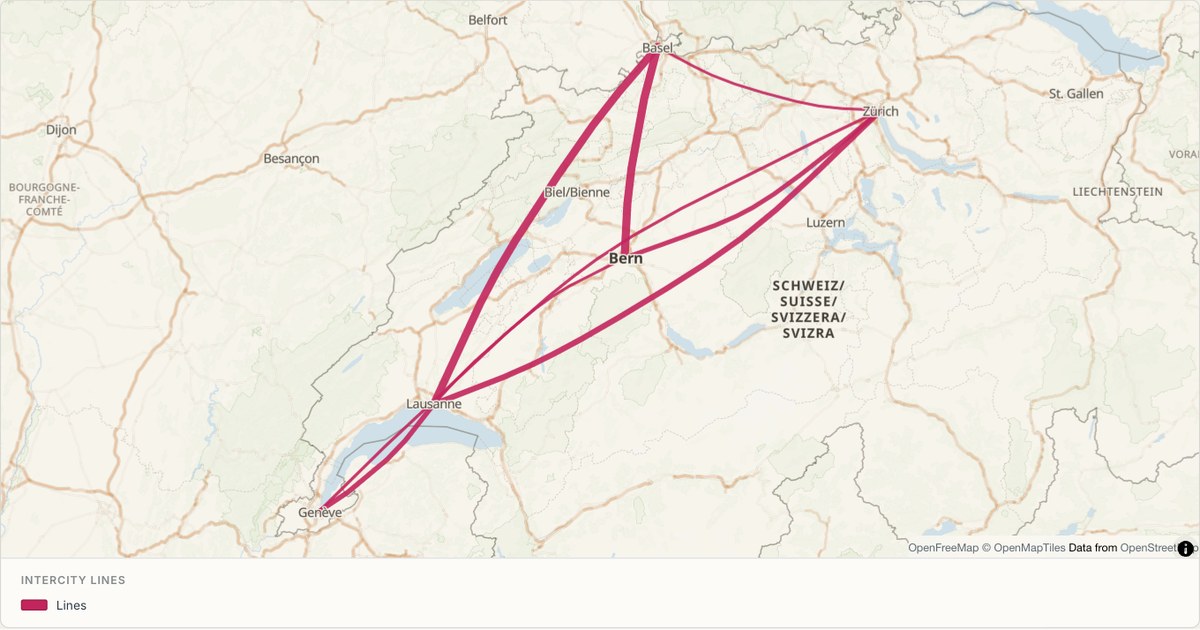
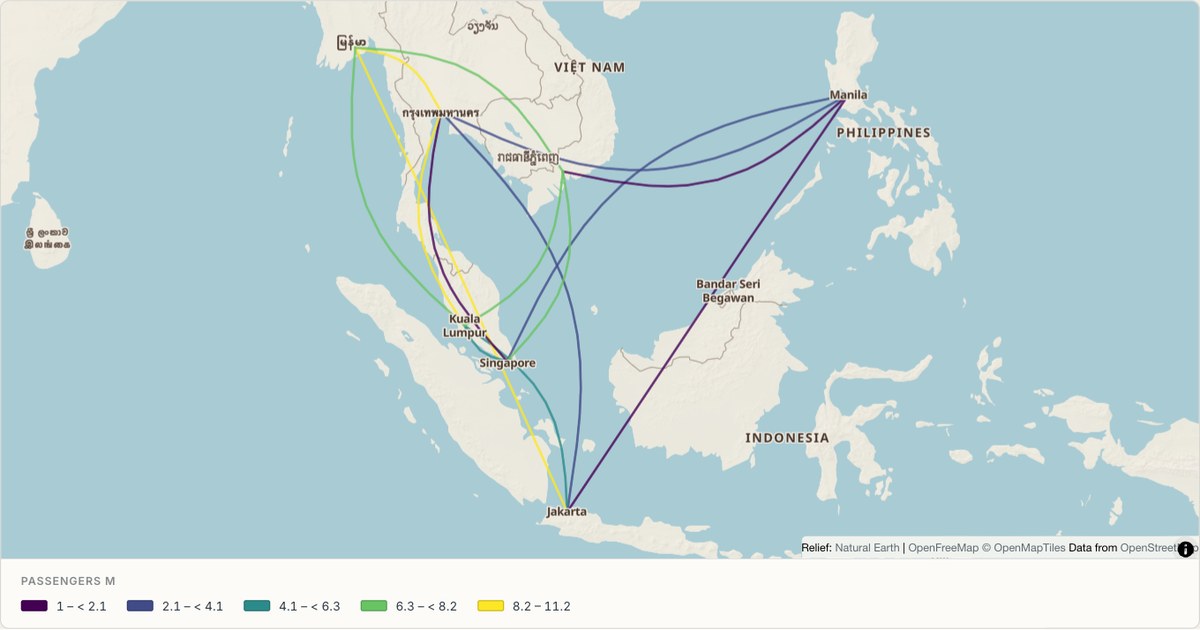
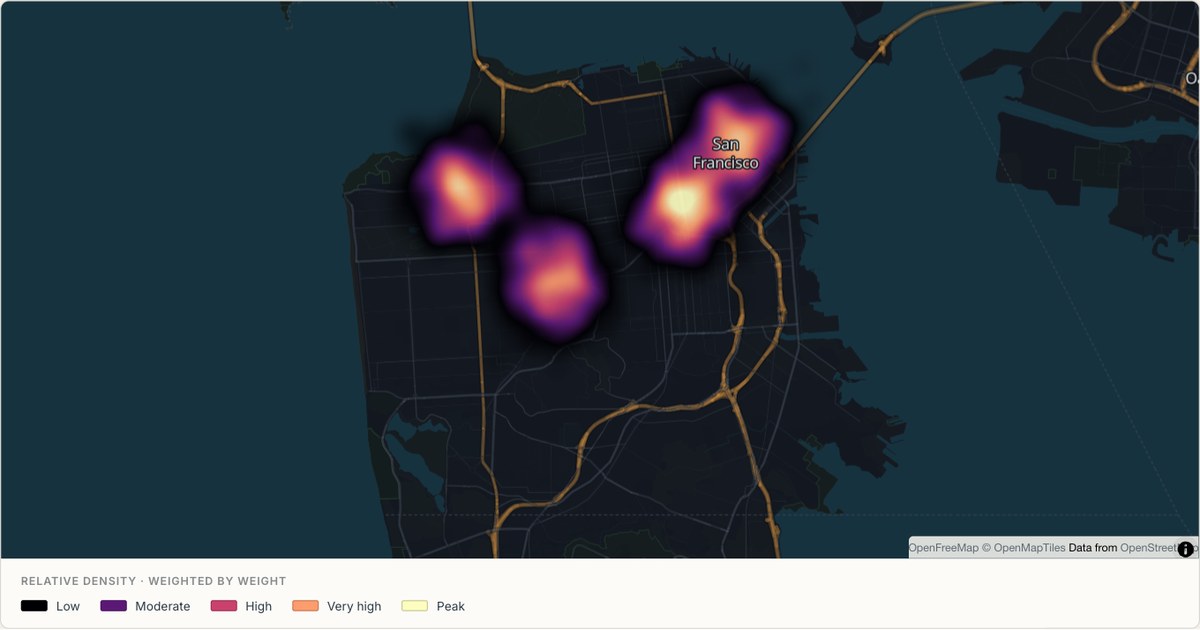
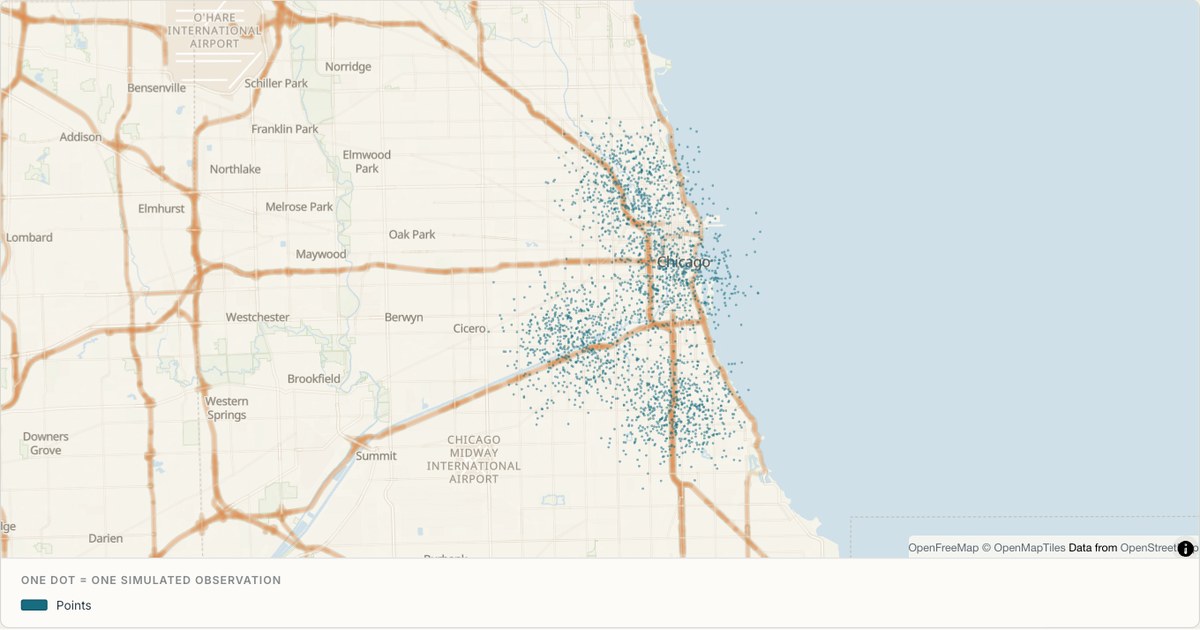
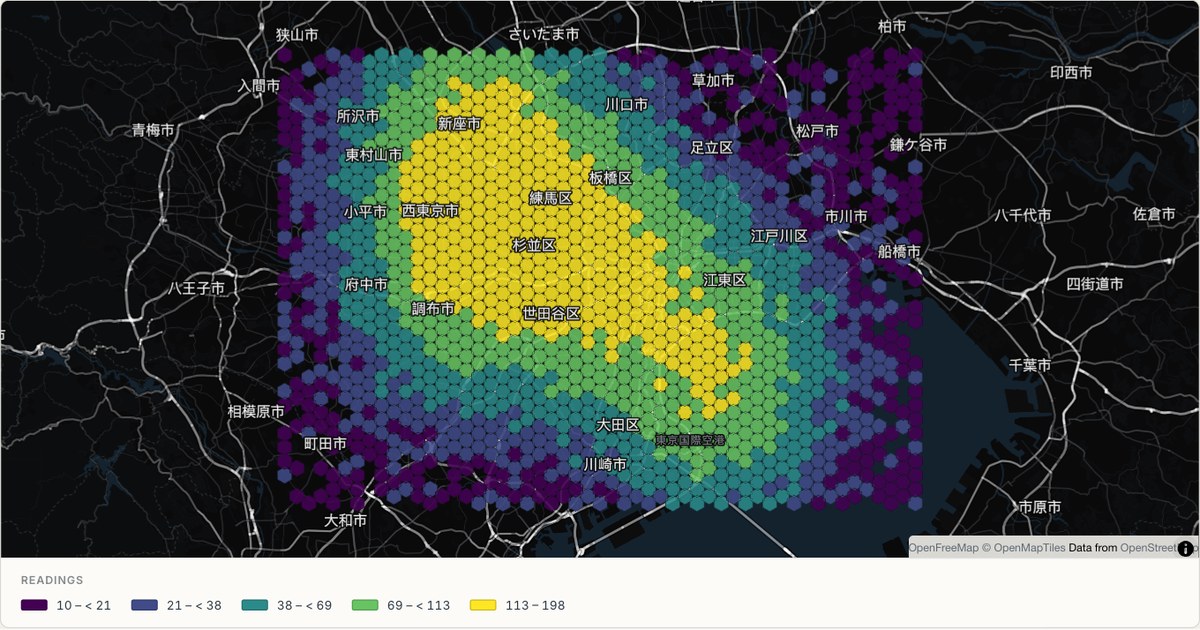
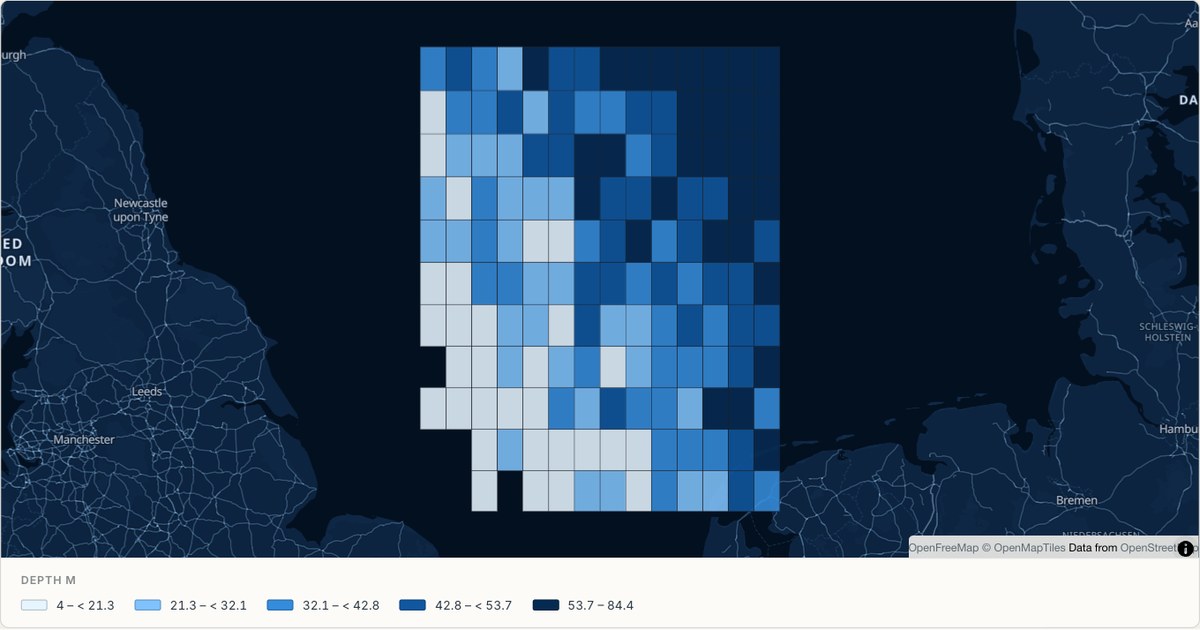
Heat maps
Reveal concentration with continuous heat, small dots, hexagons or square survey cells.
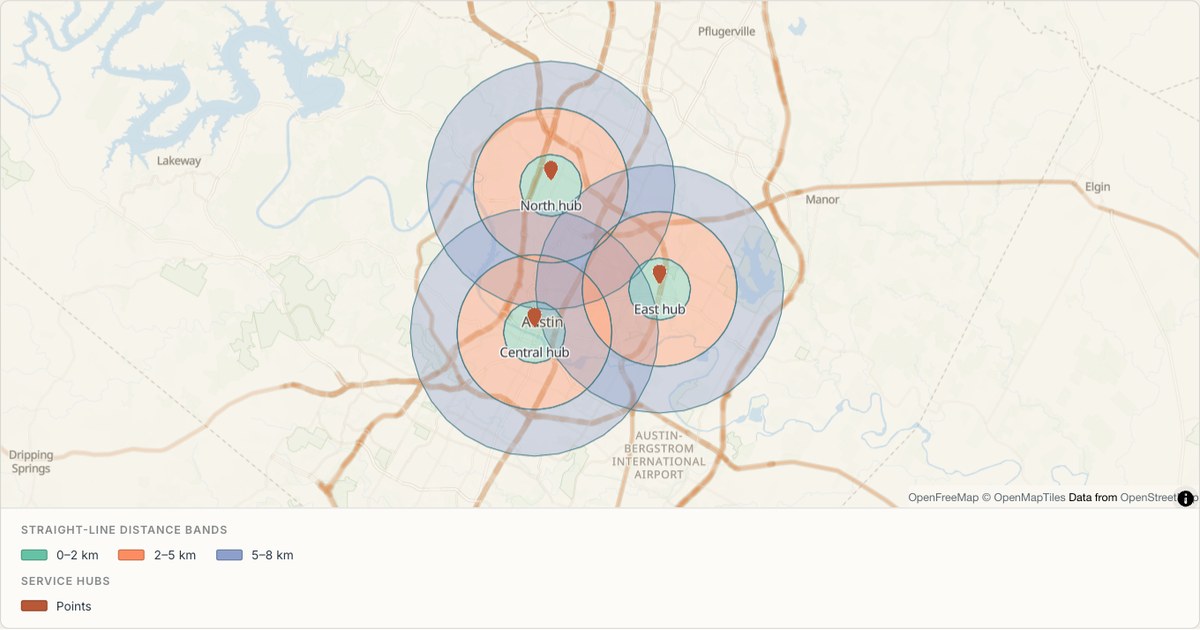
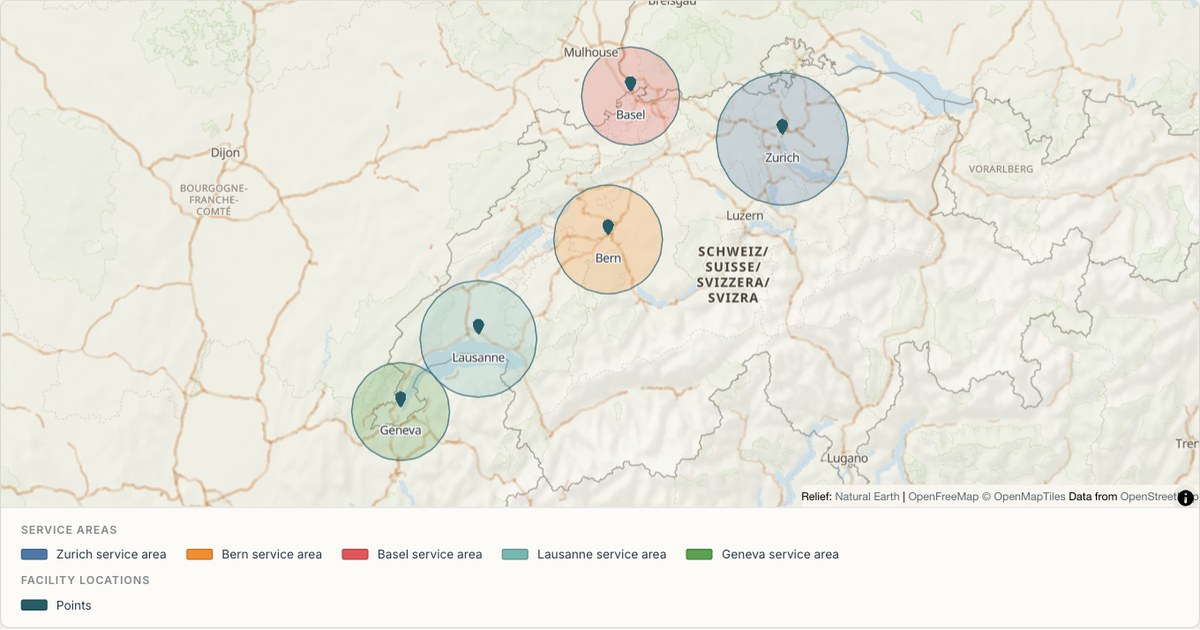
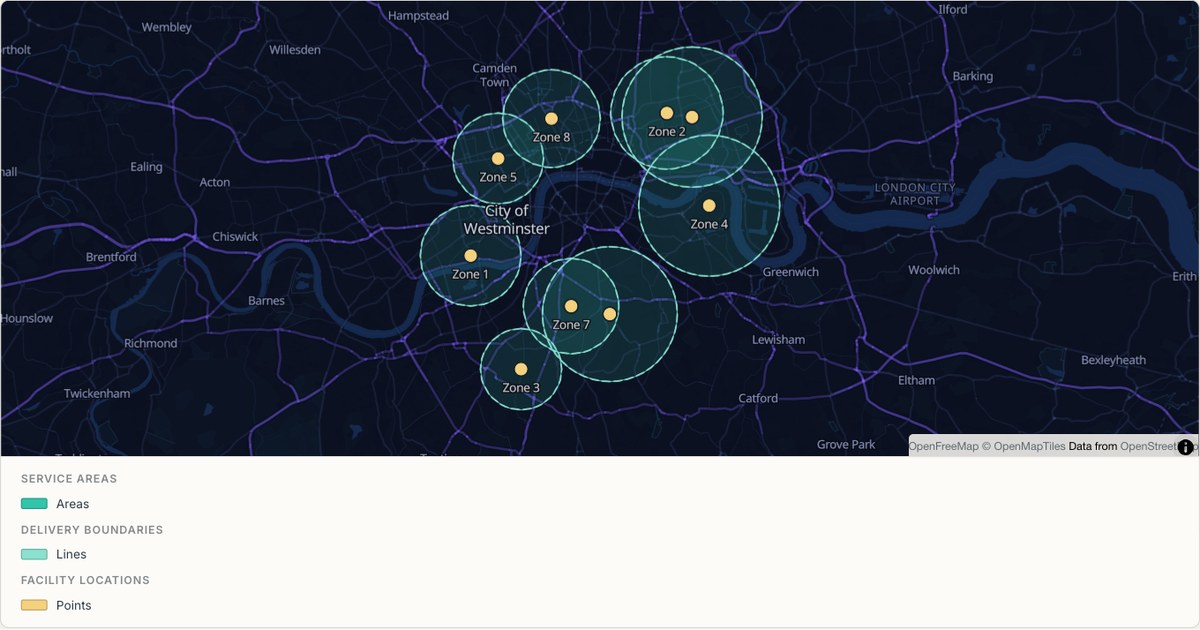
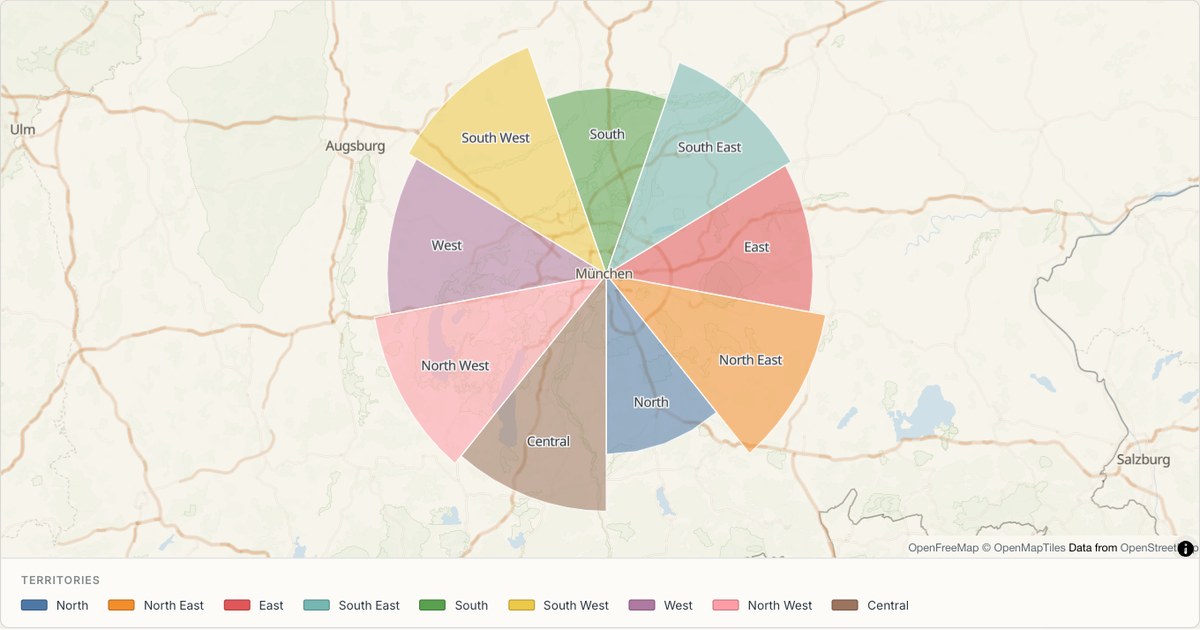
Catchment maps
Compare distance bands, overlapping service areas and territories around your sites.
Pin maps
Map sites, inspections and samples with location pins, graduated circles or distinct marker shapes.
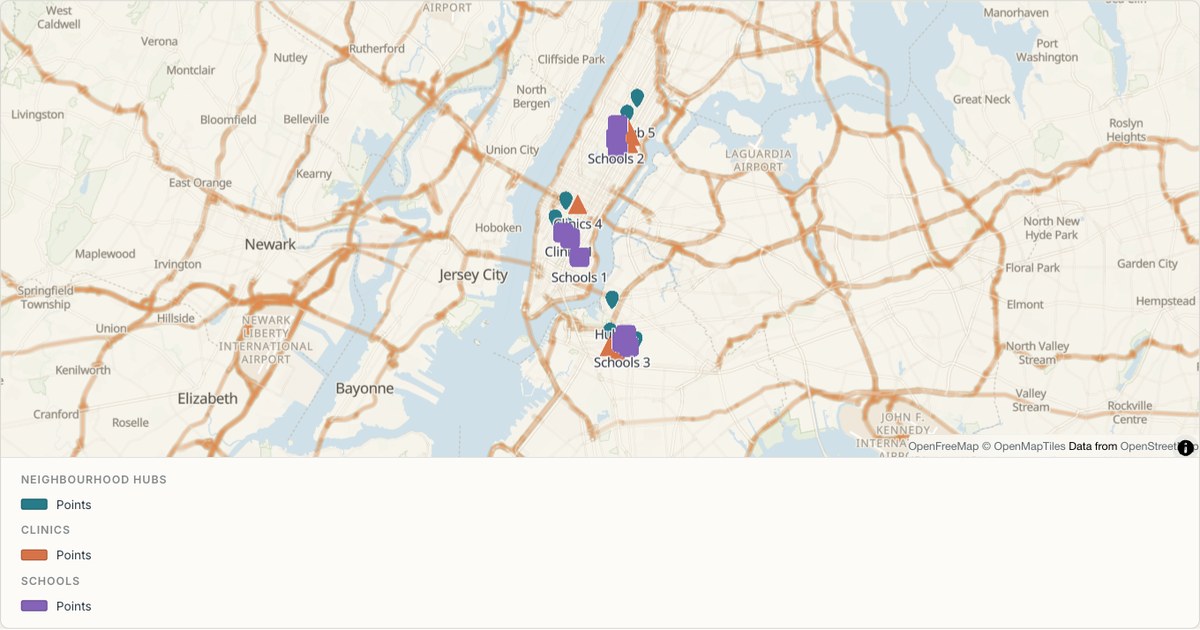
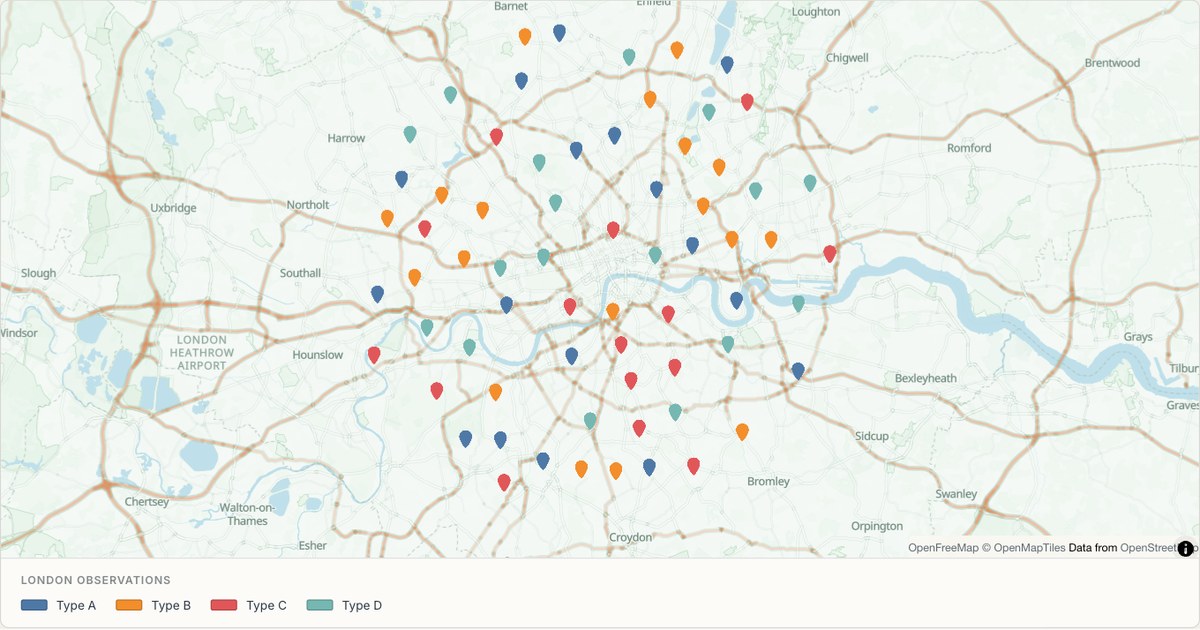
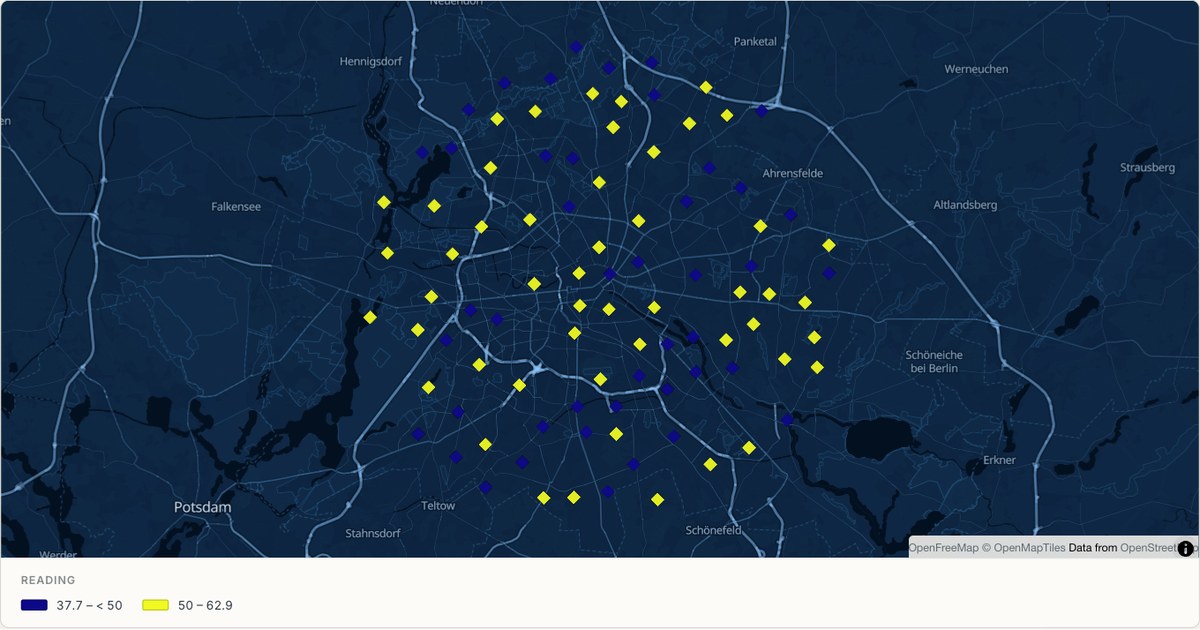
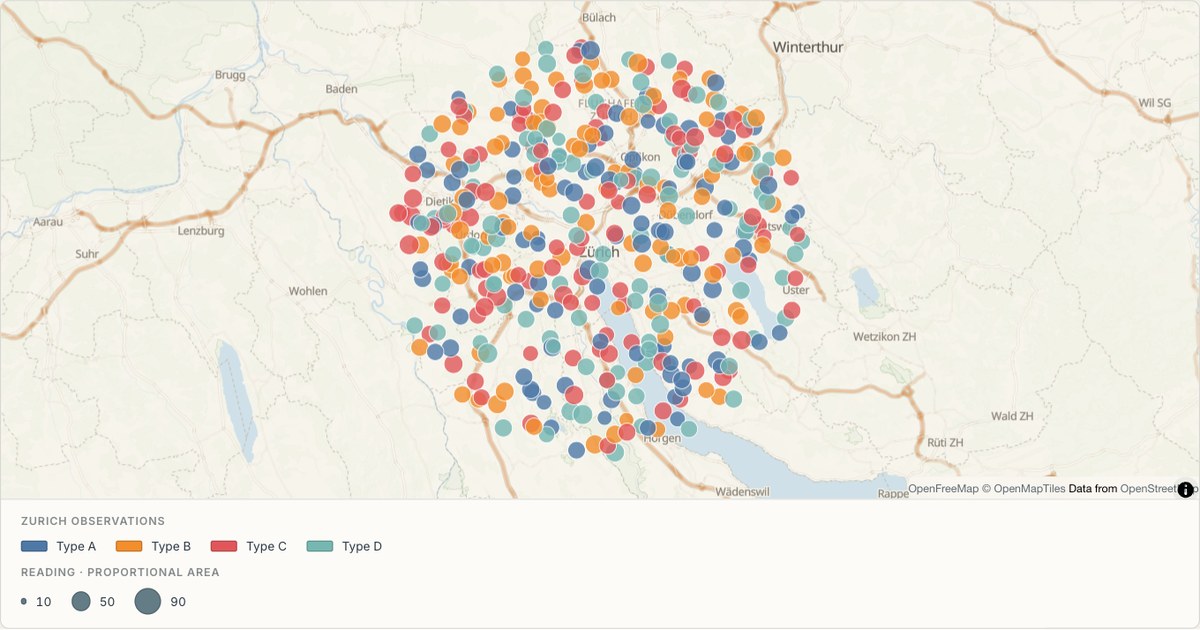
16 basemaps
Find the right backdrop
Explore ten MapCrafter palettes and six OpenFreeMap choices, from detailed streets and quiet data backdrops to 3D buildings. Pick one to update the live map at the top of the page.
How it works
Three steps, no GIS degree
- 1
Drop in your data
Anything with coordinates, or an address column we can geocode. Excel, CSV, KML, KMZ, GPX, GeoJSON, TopoJSON or a zipped Shapefile.
- 2
Let it read the file
MapCrafter finds the geometry column, or the latitude and longitude pair, or a WKT field, then styles each layer so it reads well before you touch a setting.
- 3
Share or export it
Publish to a short link, embed it with an iframe, or export a print-resolution PNG (up to 3× poster scale) and the cleaned-up GeoJSON.
Compare
How this differs from the alternatives
MapCrafter vs MapChart
An editor for colouring ready-made world, national, subdivision, historical and fantasy maps, with editable legends and image downloads.
Read the comparison9 criteriaMapCrafter vs maps.co
A map maker for plotting locations and exploring them with layers, territories, data analysis and geocoding.
Read the comparisonCurrent features & limitsPlans & pricing
Use all 16 basemaps, chart overlays and PNG export at up to 3× for free. Review saving, public sharing and the current editor limits before you start.
See what is includedCommon questions
- What file formats can I import into MapCrafter?
- MapCrafter reads Excel (.xlsx/.xlsm), CSV/TSV, KML, KMZ, GPX, GeoJSON, TopoJSON and zipped Shapefiles (.zip). It automatically detects coordinate pairs, WKT geometry columns, or street address columns without manual format conversion.
- What can I use for free?
- The current editor includes eight import families, 16 basemap choices, chart overlays, public share links, PNG at 1×, 2× and 3×, and GeoJSON export. No payment is required. Paid subscriptions are planned. Password protection, custom domains and team workspaces are not currently available.
- Does my data stay in my browser?
- Importing reads your file locally. Saving or publishing uploads the map document, including its feature data, to the server. Anyone with a published link can view the included data. Address lookups send address text to the selected provider. Export your work before leaving; unsaved changes are not restored after a refresh.
- How does MapCrafter differ from MapChart, Google My Maps, or QGIS?
- MapCrafter combines built-in regional boundaries with imports of your own points, lines and polygons. It styles these on 16 vector basemaps and exports PNG or GeoJSON. MapChart is a strong option for manual region colouring and patterns; QGIS offers broader editing and spatial analysis than the current MapCrafter studio.
- What if my CSV or Excel file only has street addresses and no latitude/longitude?
- MapCrafter detects address-like columns and keeps the rows for geocoding. Select the imported layer and run the address lookup in its inspector. The built-in service is rate-limited; a MapTiler or Mapbox key uses your own account and provider quota. Check the matched locations before publishing.
- Where do the basemap tiles come from, and can I use exported maps in commercial work?
- The 16 choices include ten MapCrafter palettes and OpenFreeMap’s Liberty, Bright, Positron, Dark, Fiord and Liberty 3D. They use MapLibre GL, OpenStreetMap and Natural Earth data. You can use exported maps in reports, client deliverables, presentations and commercial publications with standard OpenStreetMap attribution.