
314 maps, every format we read
Each example below is a live map built from a real file type — CSV, Excel, KML, KMZ, GPX, GeoJSON, TopoJSON or a zipped Shapefile — and rendered as a choropleth, proportional symbol map, route network, continuous heatmap or catchment area. Every page lists the source columns, the geometry detected, and the provenance of the data, so you can rebuild it with your own file.
- Examples
- 314
- Input formats
- 8
- Map types
- 26
- Basemap themes
- 16
314 maps available · 36 shown across 6 categories
Choropleth maps
View all 280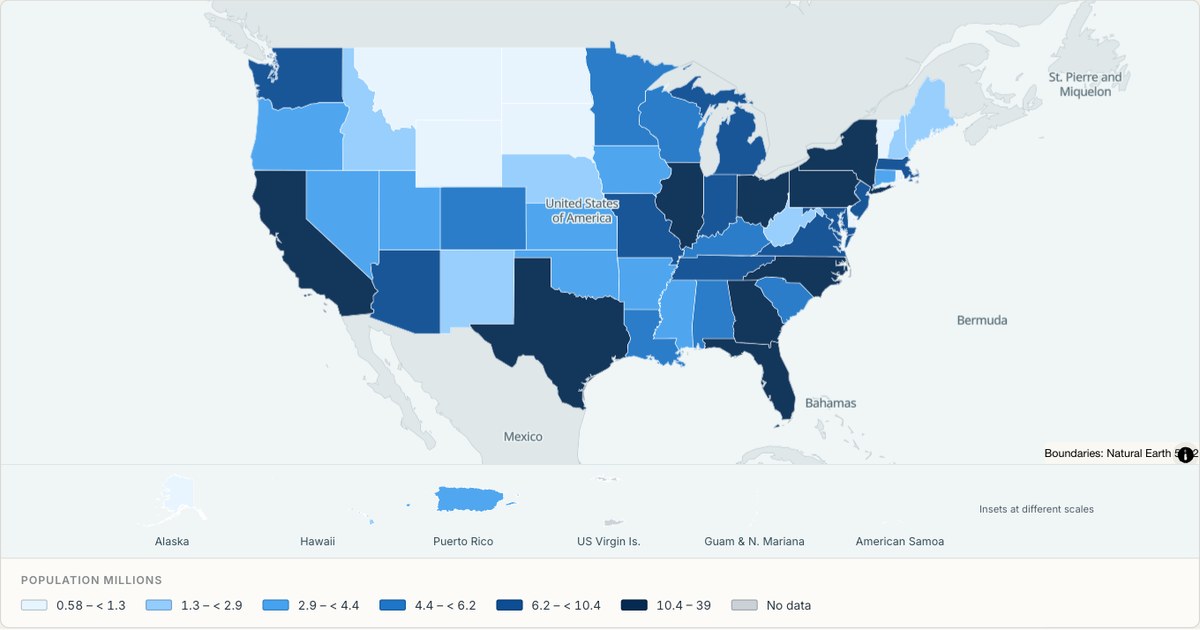 CSVChoropleth
Population by US state
All fifty states plus DC and Puerto Rico, filled from a state-name column. State outlines come from Census cartographic boundaries, so the shapes match what people expect from an official map.
Open map →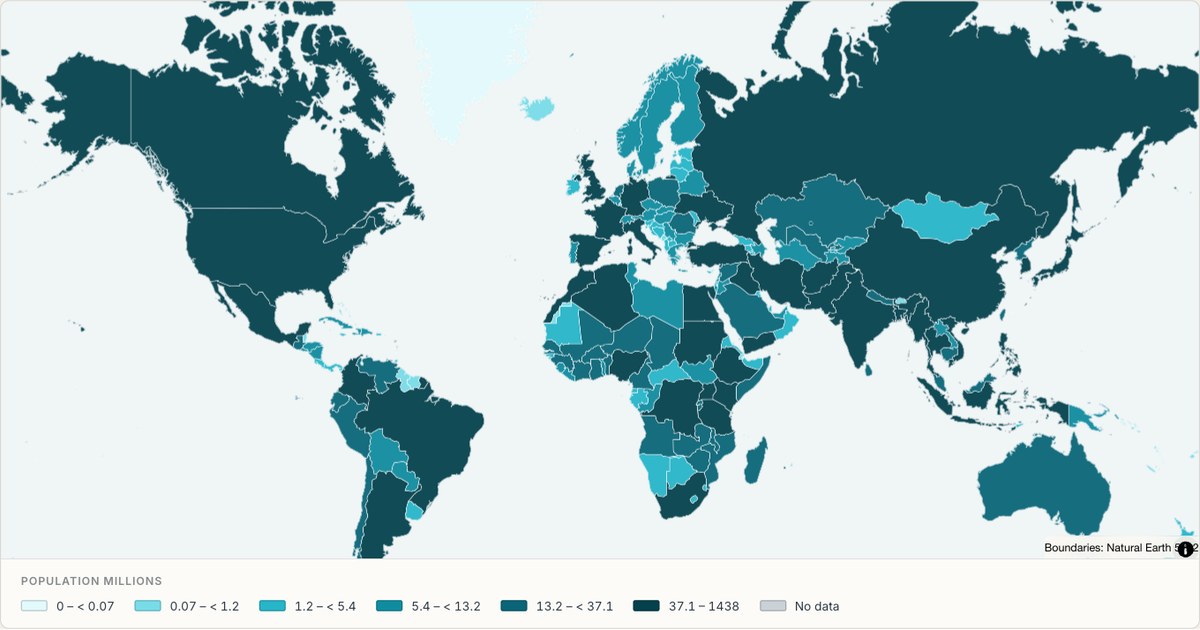 GeoJSONChoropleth
World population as a choropleth
A choropleth of world population built from a two-column table of country names and values. Countries with no matching row are drawn in grey rather than dropped, so the gap in the data is visible instead of hidden.
Open map →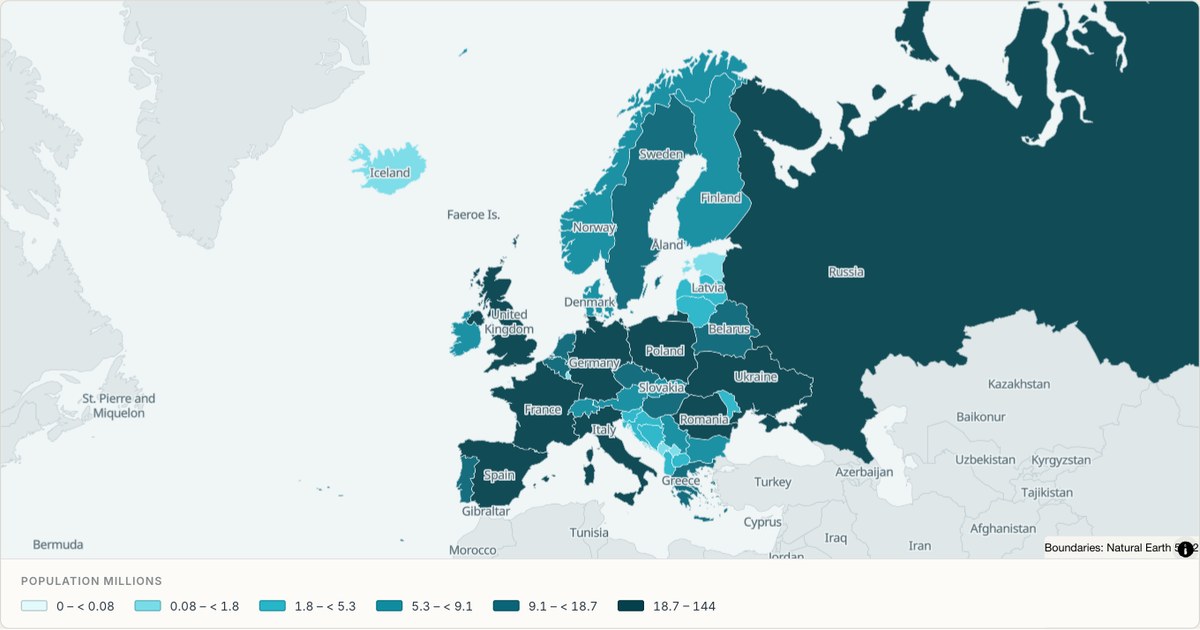 GeoJSONChoropleth
Population across Europe, country by country
A continent cut from the same world boundary set, filled from a two-column table. Countries the table has no row for stay grey, so a gap in the data is visible rather than filled in.
Open map →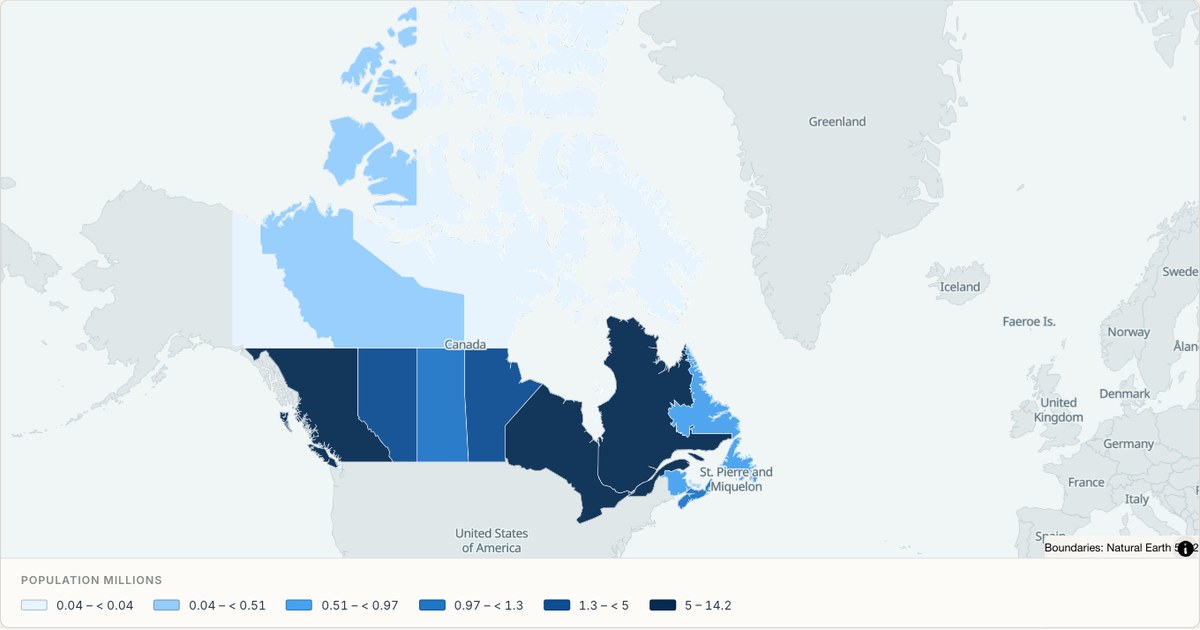 GeoJSONChoropleth
Population across Canada
All ten provinces and three territories, filled with 2021 census population. Quantile classes make the northern territories visible while preserving their real values in the popup and the numeric key below the map.
Open map →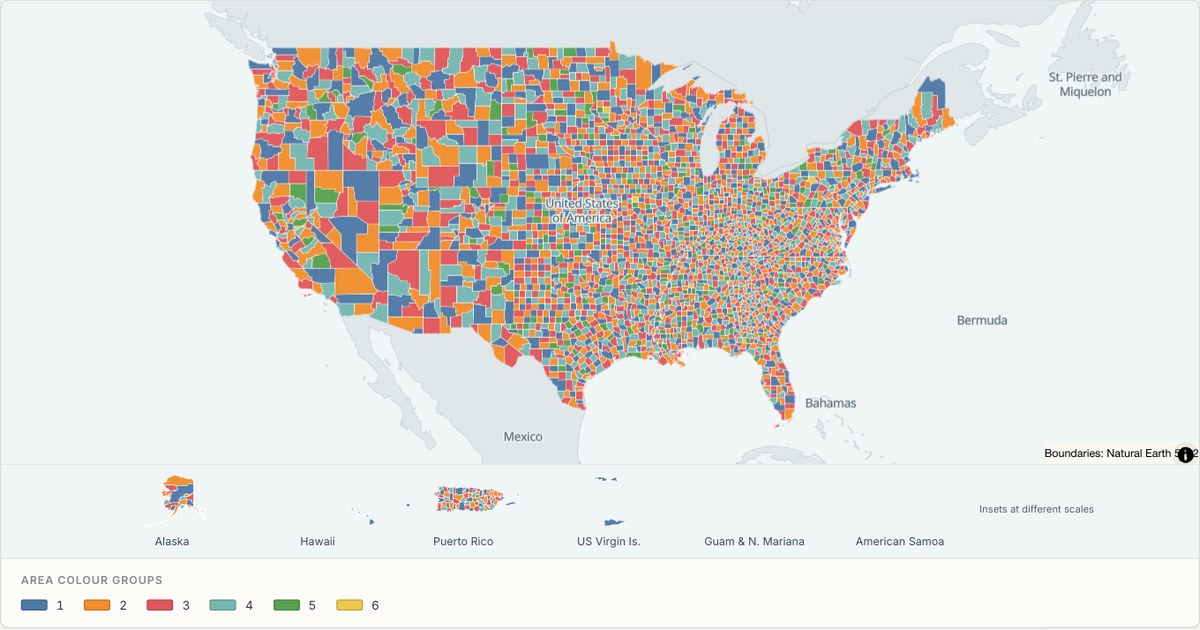 TopoJSONCategorical regions
United States counties
Explore 3,235 named areas in United States. Each boundary is selectable and carries a stable identifier, so you can add your own values or distinguish neighbouring areas with a categorical colour scheme.
Open map →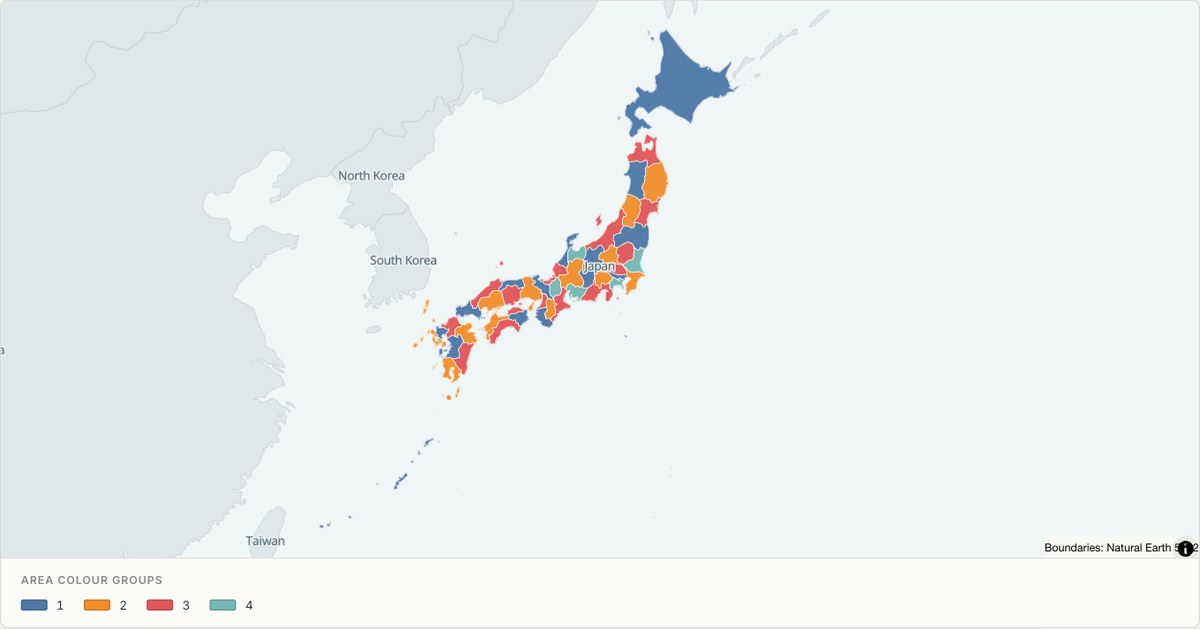 TopoJSONCategorical regions
Japan administrative map
Explore 47 named areas in Japan. Each boundary is selectable and carries a stable identifier, so you can add your own values or distinguish neighbouring areas with a categorical colour scheme.
Open map →
Bubble maps
View all 8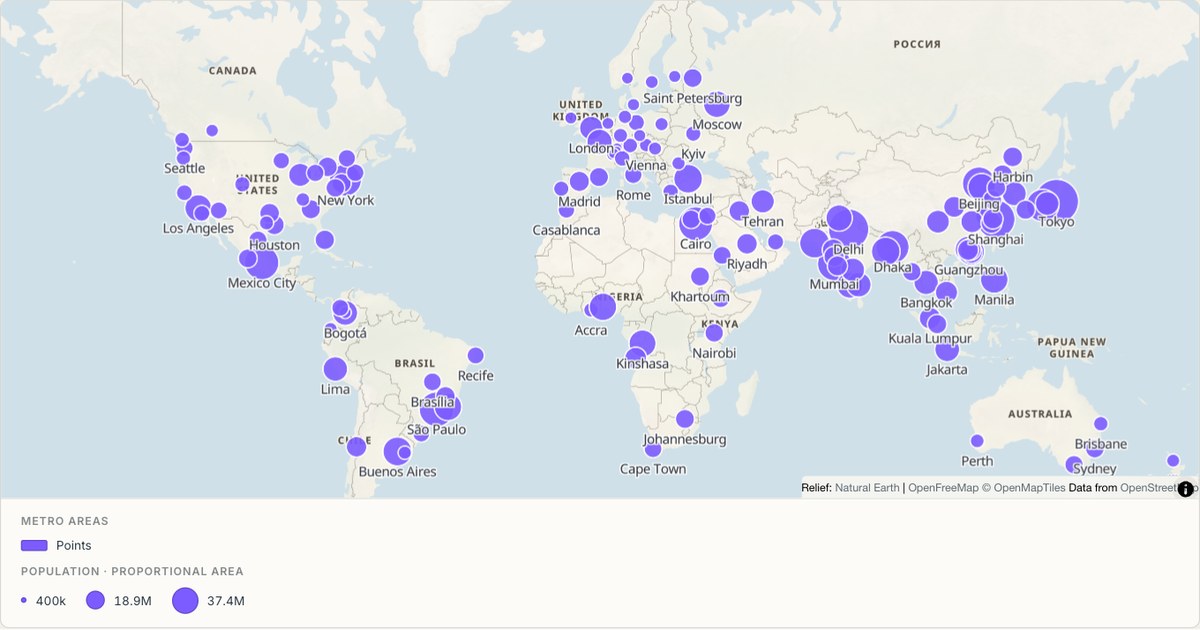 CSVProportional symbol
Metro areas sized by population
Proportional circles for the world’s largest metro areas. Symbol area scales with the value, not the radius, which is the difference between a map that communicates magnitude and one that exaggerates it by a factor of four.
Open map →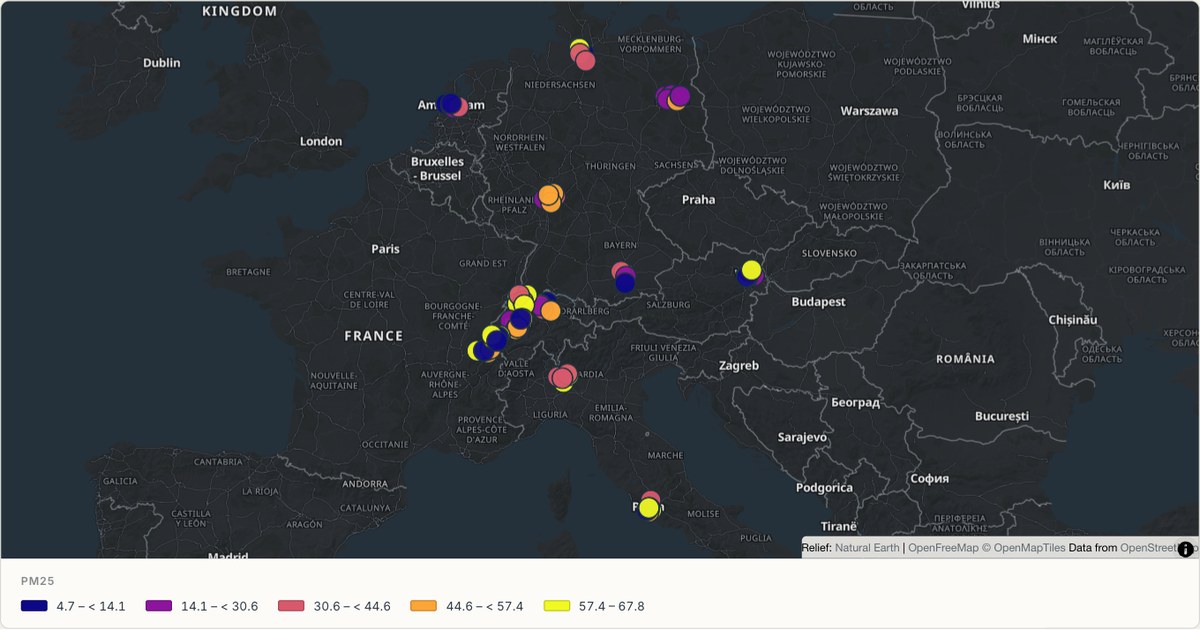 CSVClassified sensor symbols
Air quality stations across Europe
Sensor readings on a sequential colour scale, so brighter marks reveal higher simulated measurements. Larger station symbols keep each city cluster visible at a continental scale, while the legend states the numeric intervals used by the colours.
Open map →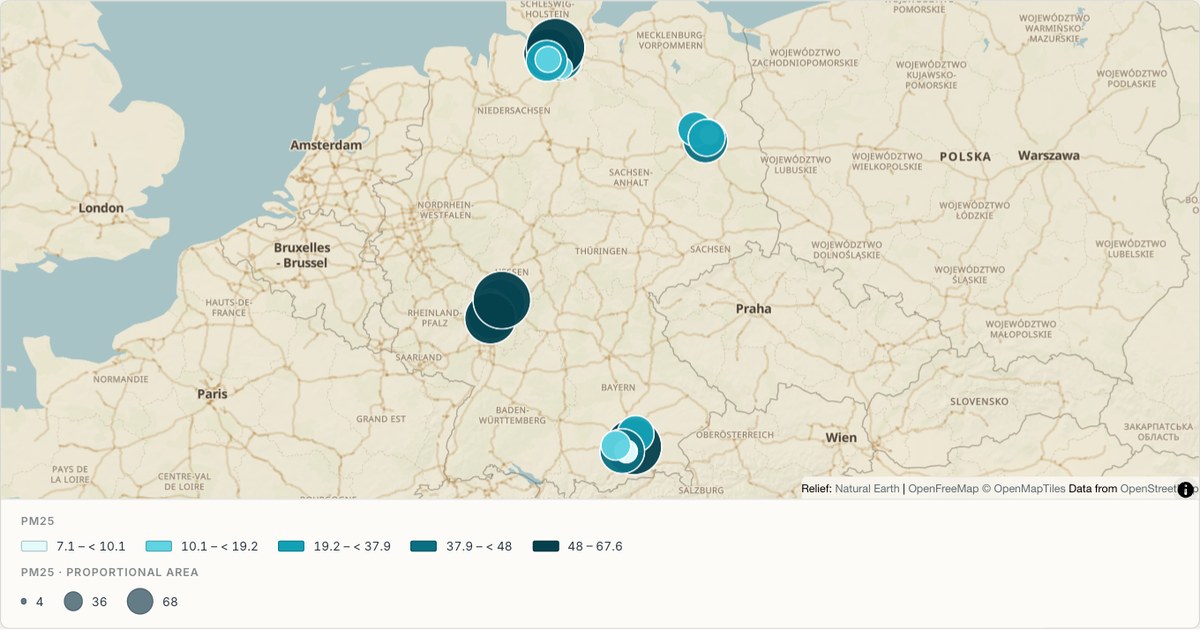 GeoJSONProportional symbol
A sensor network coloured by reading
Point data coloured on a sequential ramp, one marker per station. Sequential colour on symbols works when the markers are large enough to compare; below about eight pixels, size or clustering carries the signal better.
Open map →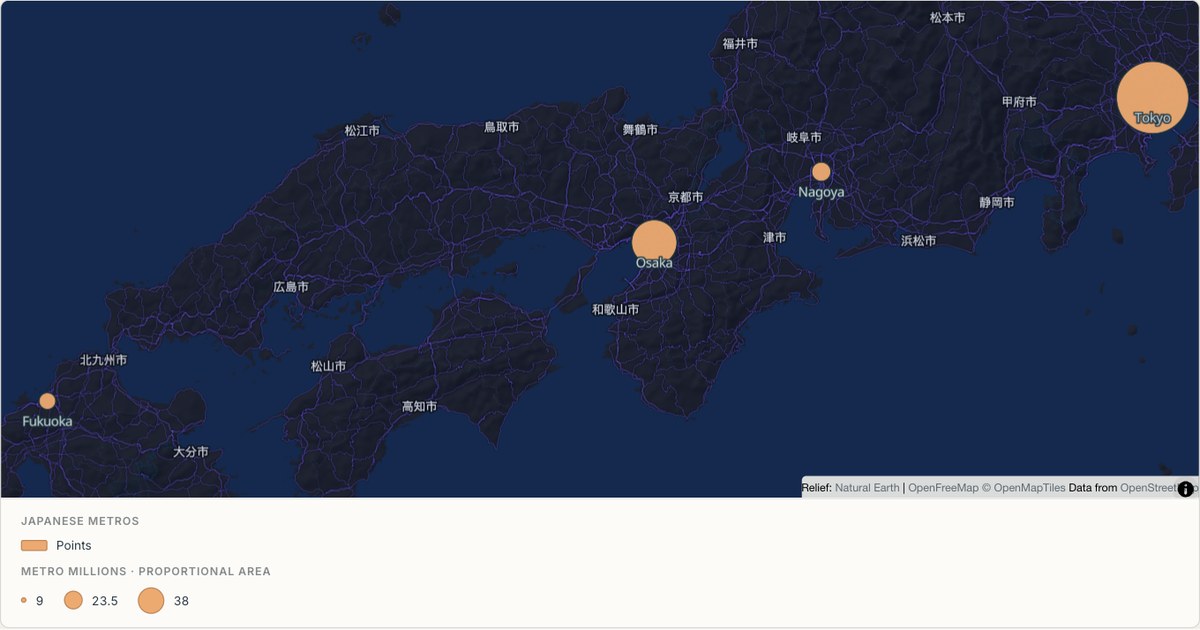 ExcelProportional symbol
Japanese metro areas
A dense coastal corridor rendered as proportional symbols over the Midnight theme. Widely varying symbol sizes need a dark, low-contrast basemap so the largest markers do not compete with the map underneath them.
Open map →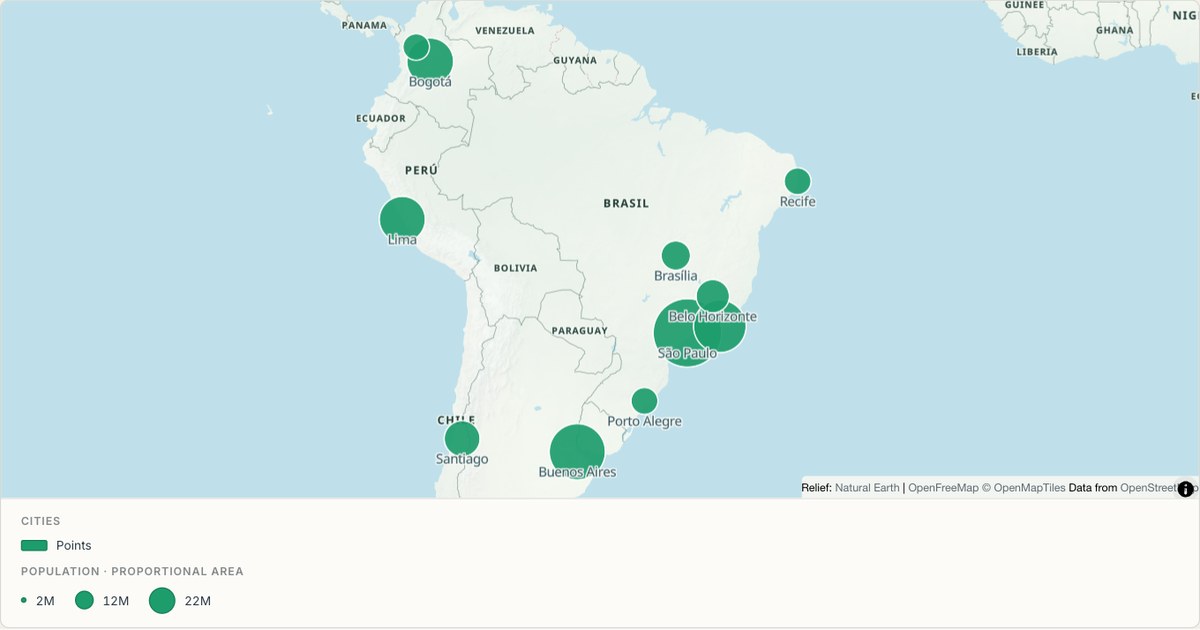 CSVProportional symbol
South American cities
Labelled city points with collision avoidance, sized by metro population. Labels are the most expensive thing on a map: they must be large enough to read, few enough to not overlap, and placed so they describe the mark they belong to.
Open map →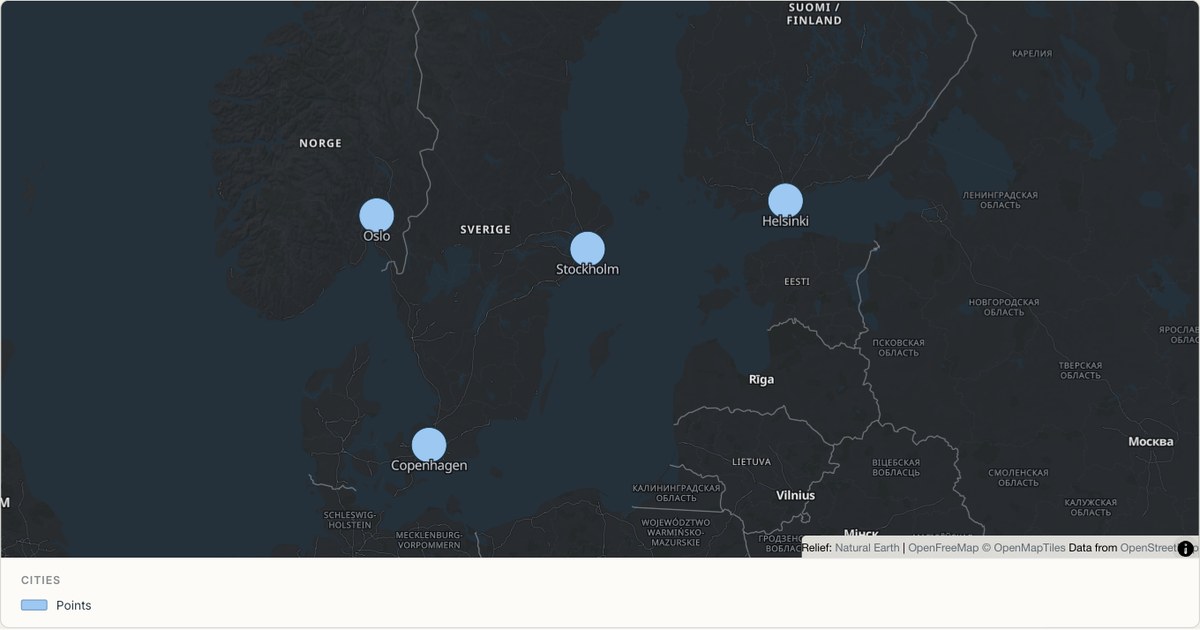 CSVPoint map
Nordic cities
A sparse point layer where each mark can afford to be generous. When a map has fewer than fifty marks, larger symbols and labels cost nothing and make the map readable at a glance rather than requiring study.
Open map →
Route maps
View all 6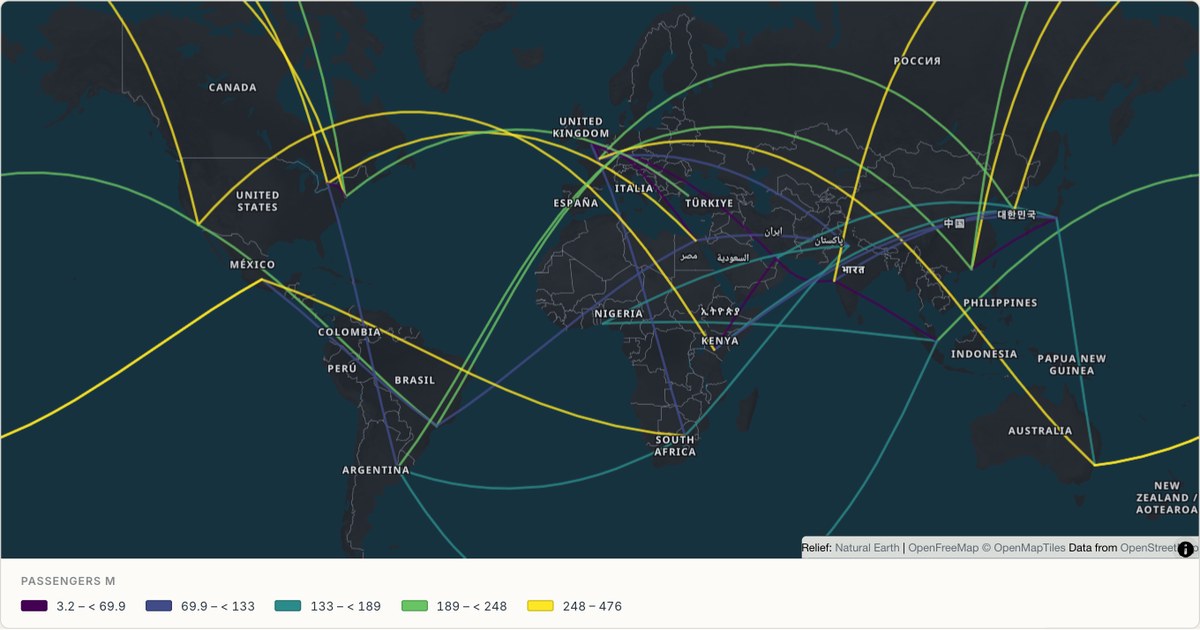 CSVRoute map
Flight routes from an origin-destination table
Routes drawn from a table with from and to columns, matched against a built-in place index. Origin-destination tables are the most common shape of transport data, and requiring pre-built line geometry rules out most of it.
Open map →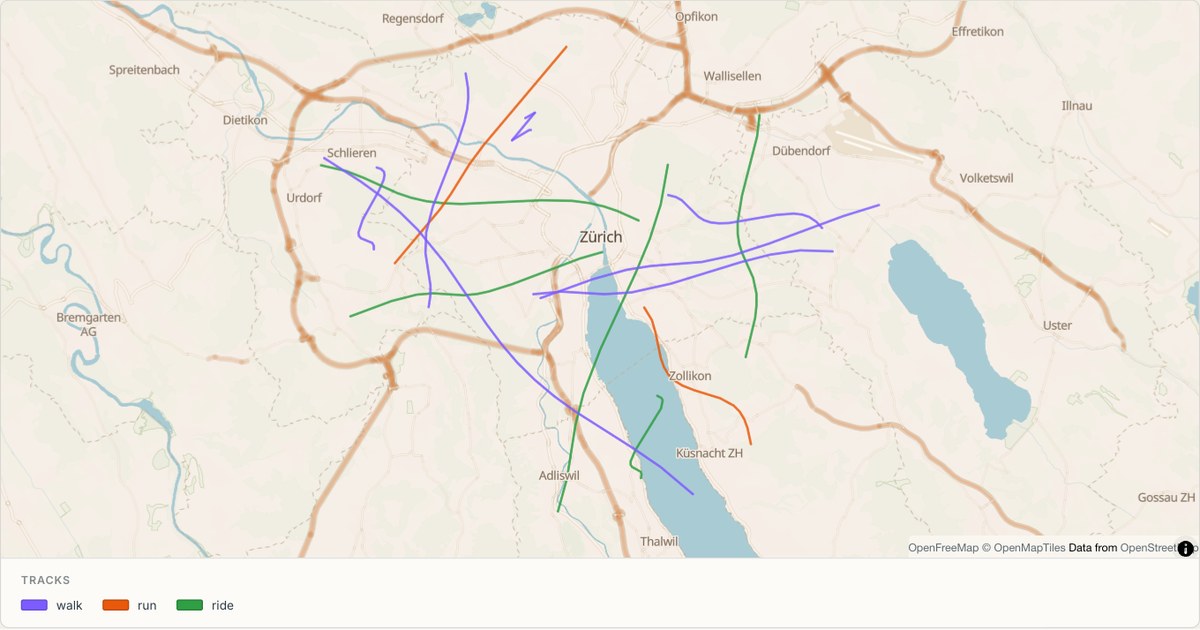 GPXRoute map
GPS tracks in the Alps
Recorded tracks from a GPX file, coloured by activity type. GPX is the one format that arrives with lines already, so the import path is short — but elevation, timestamps and activity type all need somewhere to live.
Open map →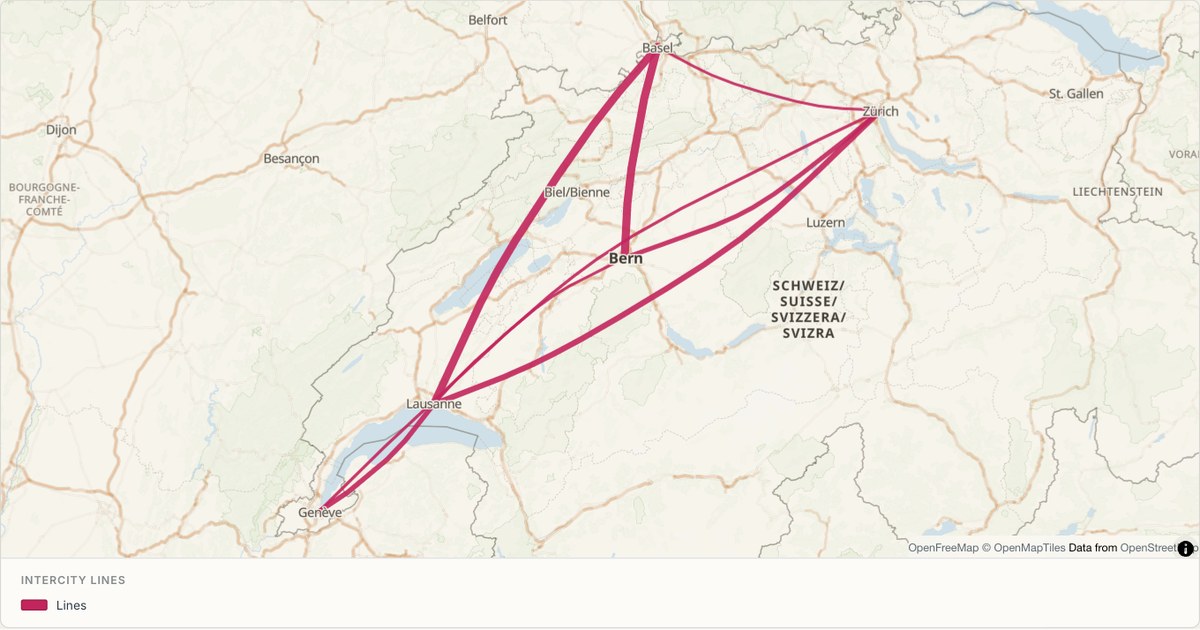 KMLRoute map
Intercity rail lines
A network diagram in geographic space, with line weight carrying service frequency. Line width is a free visual channel that most tools leave unused, and it is the right one when the data is a count of something moving along the line.
Open map →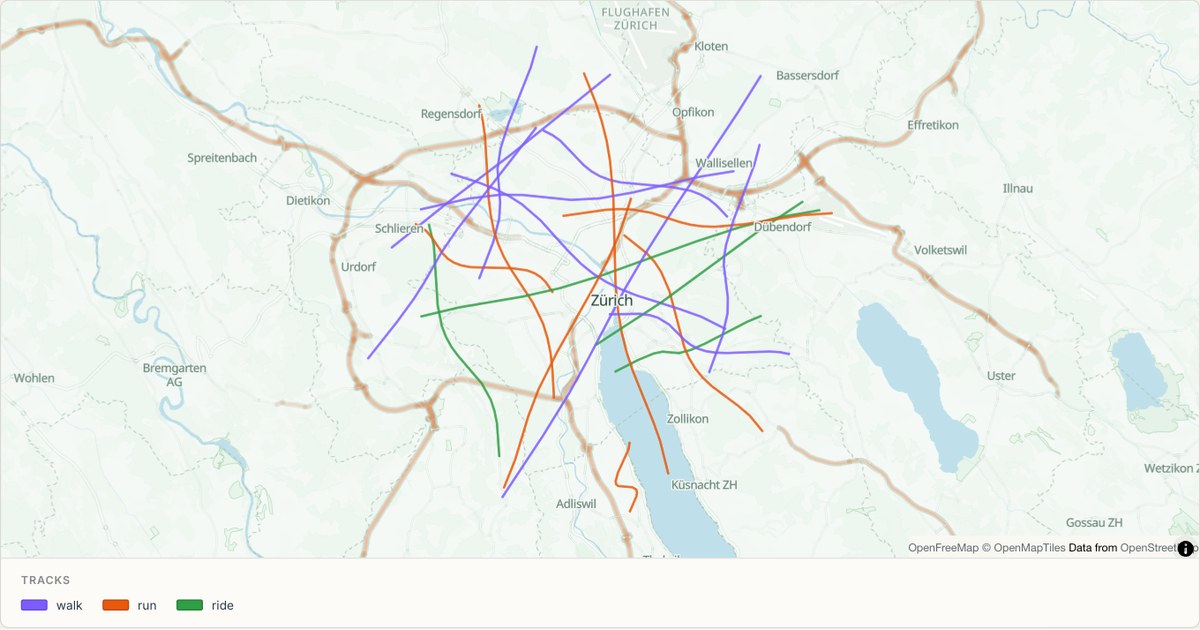 GPXRoute map
Cycling routes around Zürich
Dashed lines for recreational routes, which is the standard cartographic convention for paths that are not roads. Dash patterns separate route types without spending a colour, leaving colour free for the data that matters.
Open map →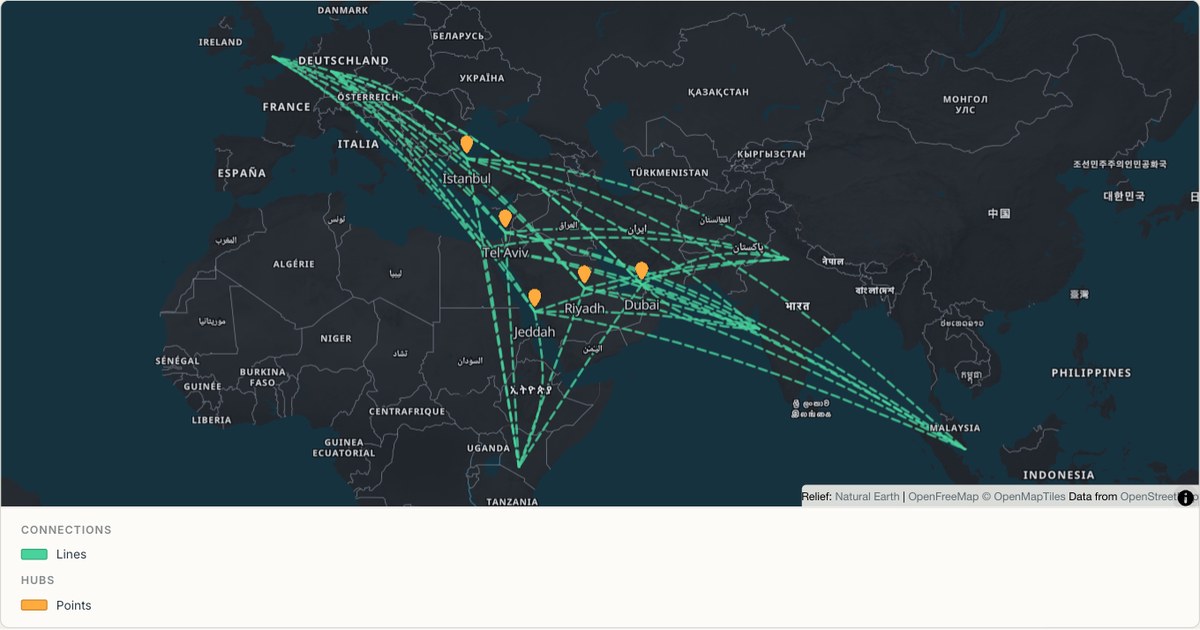 CSVNetwork map
Aviation hubs and their routes
Two layers from one dataset: hubs as points, connections as lines, drawn in a single coordinated view. Layering is what turns a plot into an argument, and it is the reason a layer tree rather than a single style dialog is the right interface.
Open map →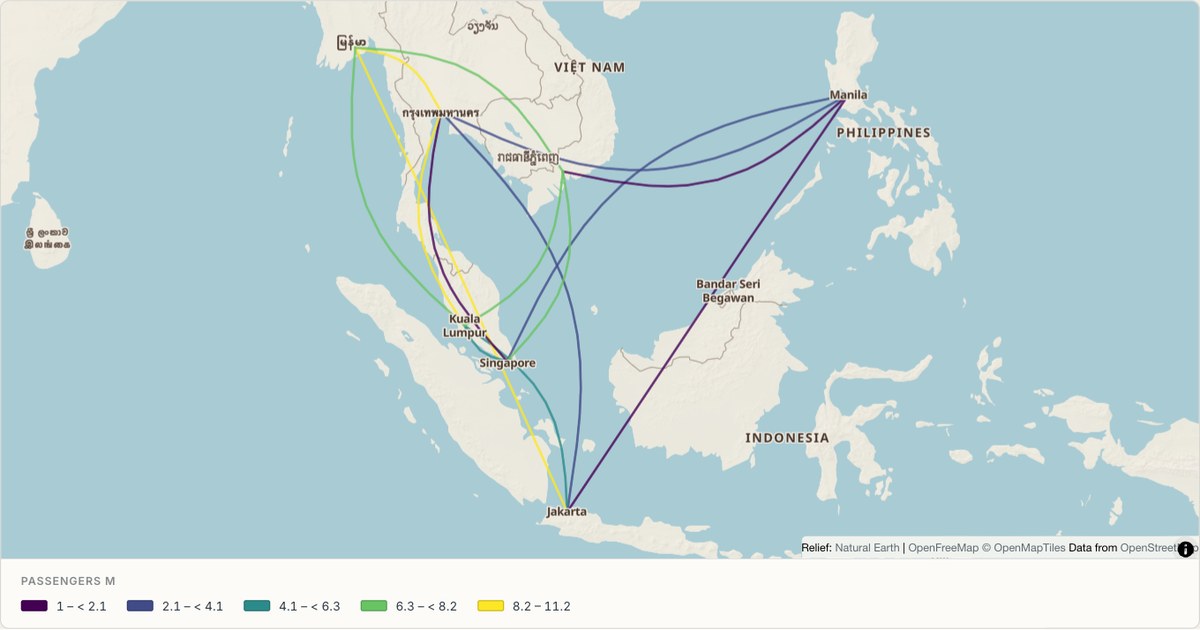 CSVNetwork map
A route network across Southeast Asia
Curved connections between island cities, where straight lines would cross water misleadingly. On an archipelago, the curve is not decoration: it distinguishes a route that follows a corridor from one that implies a land connection.
Open map →
Heat maps
View all 8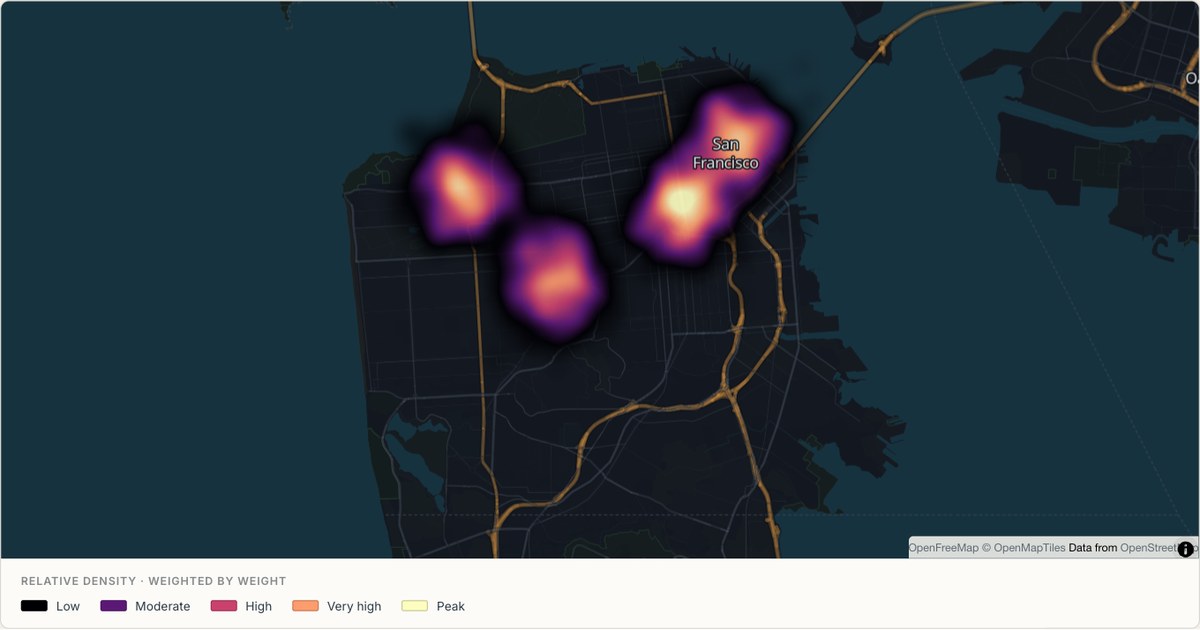 GeoJSONContinuous heatmap
Continuous heat across San Francisco
Weighted source points blend into a continuous density surface instead of separate grid cells. The colour shows relative concentration at the current zoom, while the radius and intensity remain editable in the studio. All observations in this example are simulated.
Open map →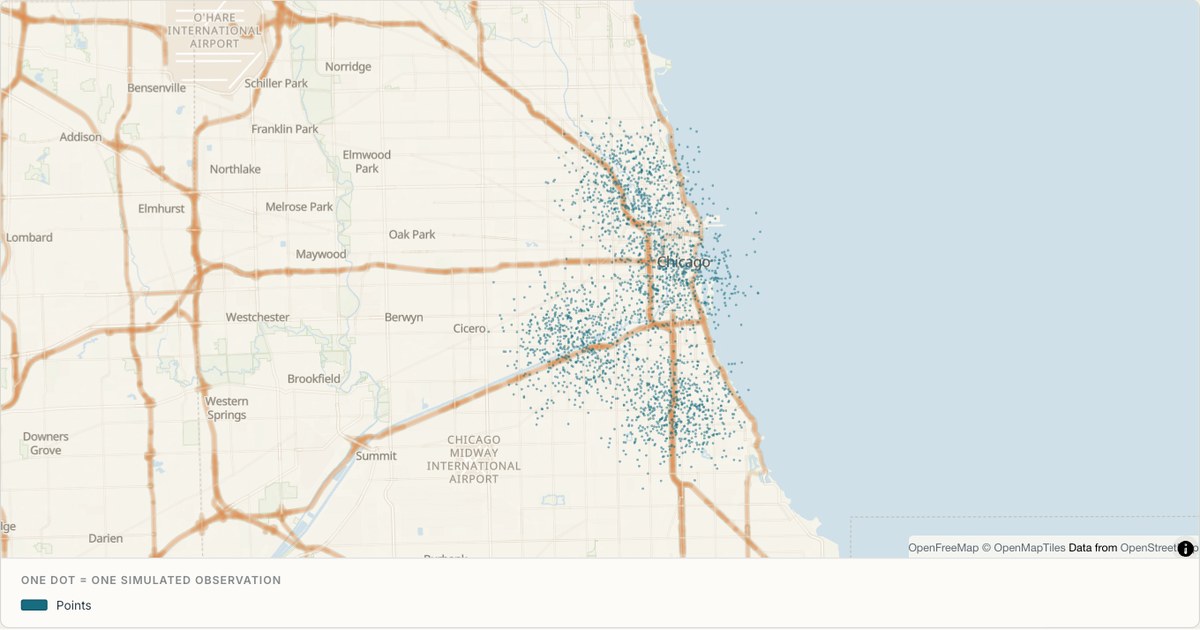 CSVDot density
Dot density across Chicago
Small translucent dots show the source observations themselves. Dense clusters become darker through overlap while isolated observations stay visible, offering a useful alternative to continuous smoothing or cell aggregation. Each dot is one synthetic record rather than a population conversion.
Open map →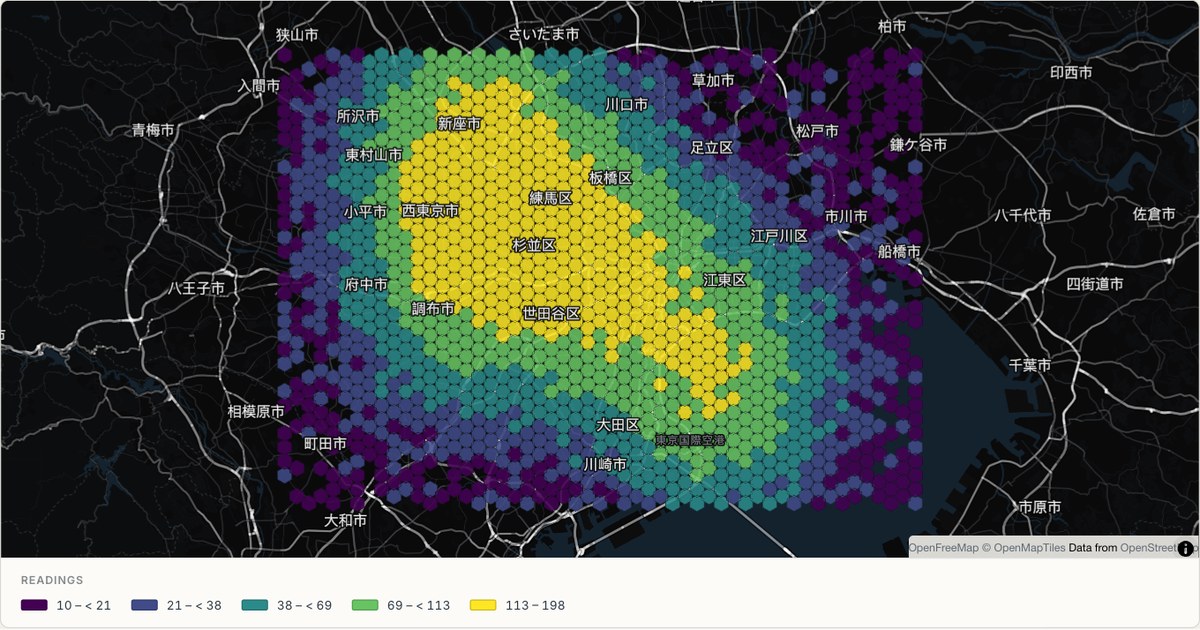 CSVHexbin
Tokyo binned density
A dark-theme hexbin over the Kantō plain, with the highest-value cells reaching a pale yellow. On a dark basemap the ramp has to run towards light, because a dark-to-dark ramp has nowhere left to go.
Open map →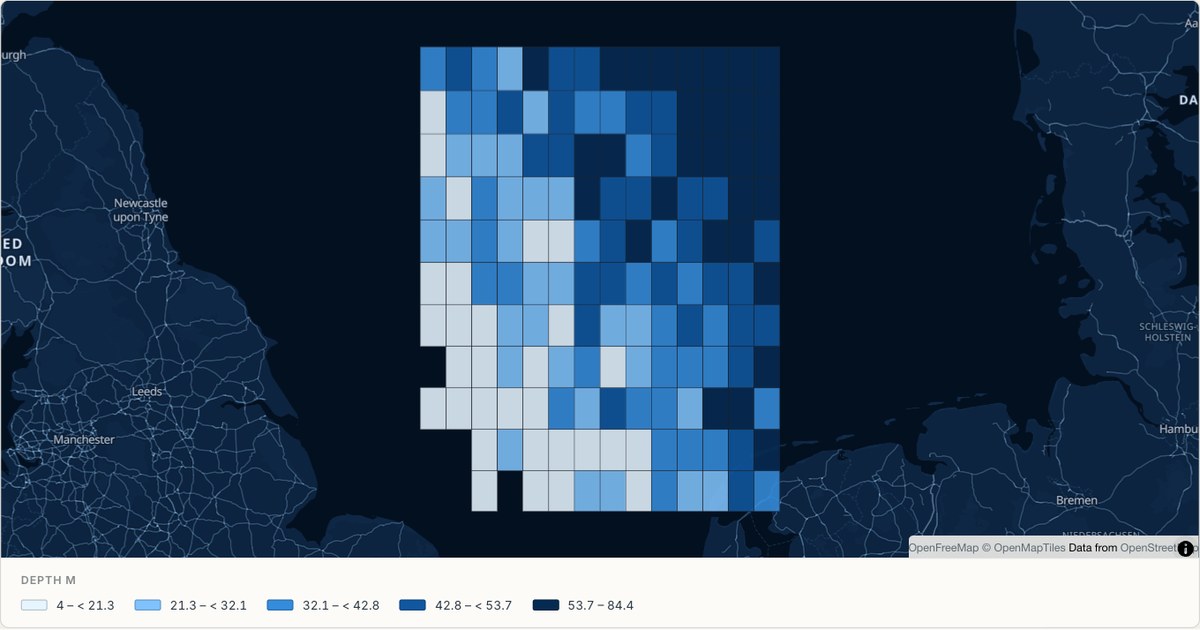 CSVSurvey grid
A bathymetric survey grid
Square cells for a survey where the measurement grid itself is square. Squares are the honest choice when the sampling geometry is square; hexagons are the honest choice when it is not. The grid should look like the method.
Open map →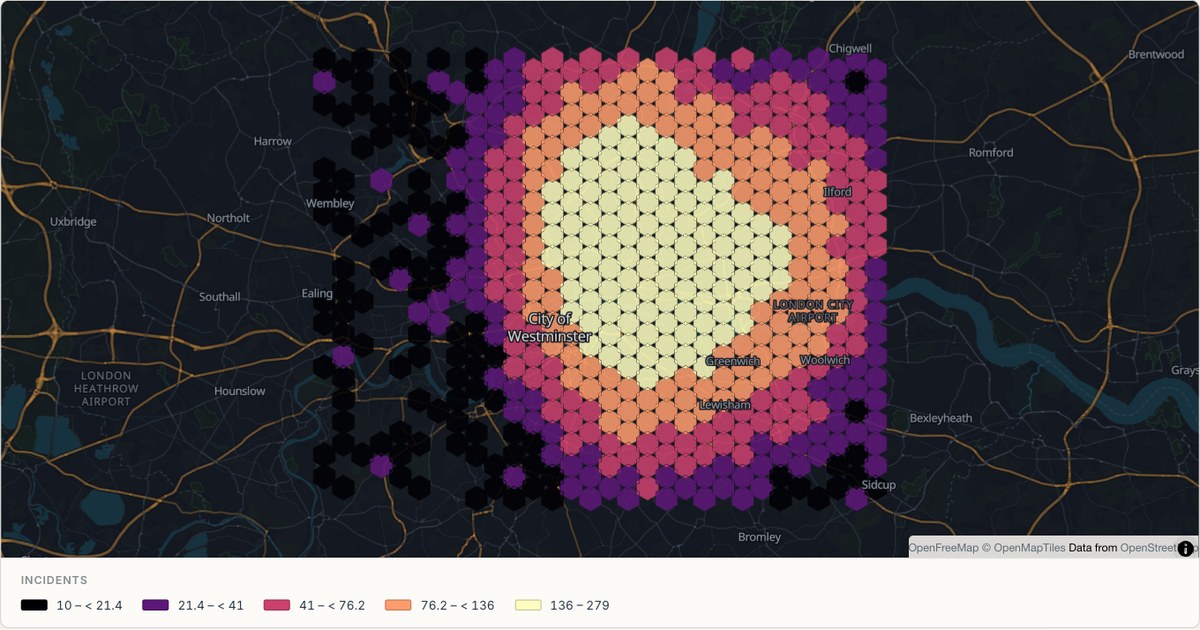 CSVHexbin
Binned density over London
Ten thousand observations would overplot into a solid blob. Binning them into hexagons aggregates first and colours second, which is the only way a reader can see where a dense point dataset actually concentrates.
Open map →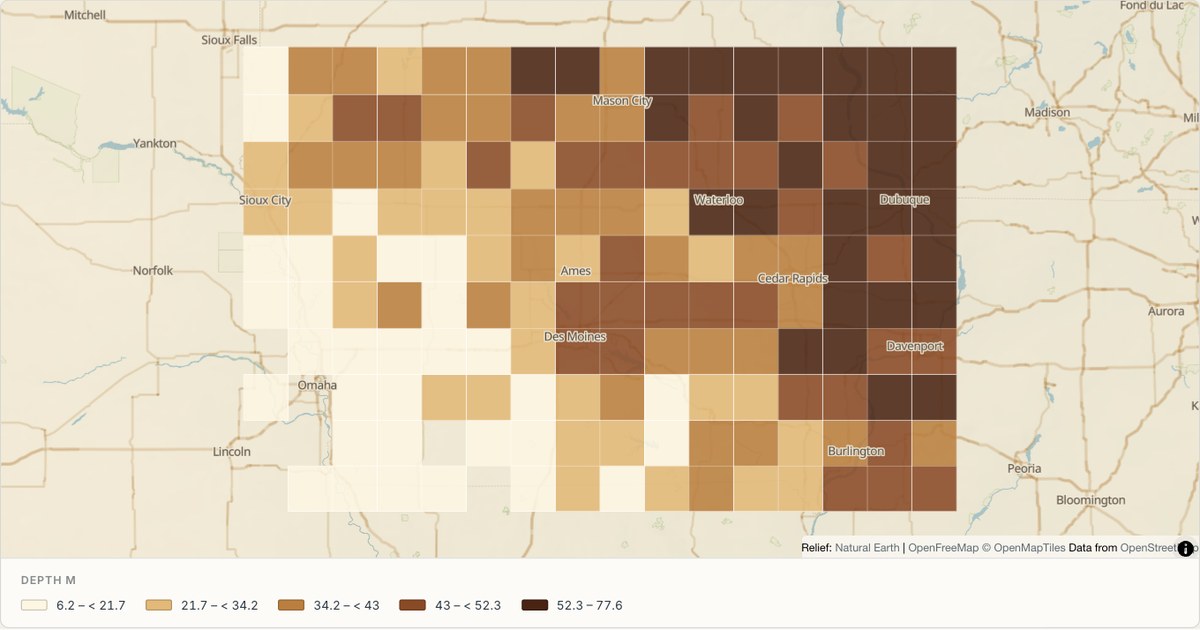 CSVSurvey grid
Soil samples on a survey grid
A regular sampling grid with a diagonal gradient, drawn with hairline cell borders. Borders between adjacent cells of the same class add visual noise, so they are drawn at the minimum width that still separates classes.
Open map →
Catchment maps
View all 6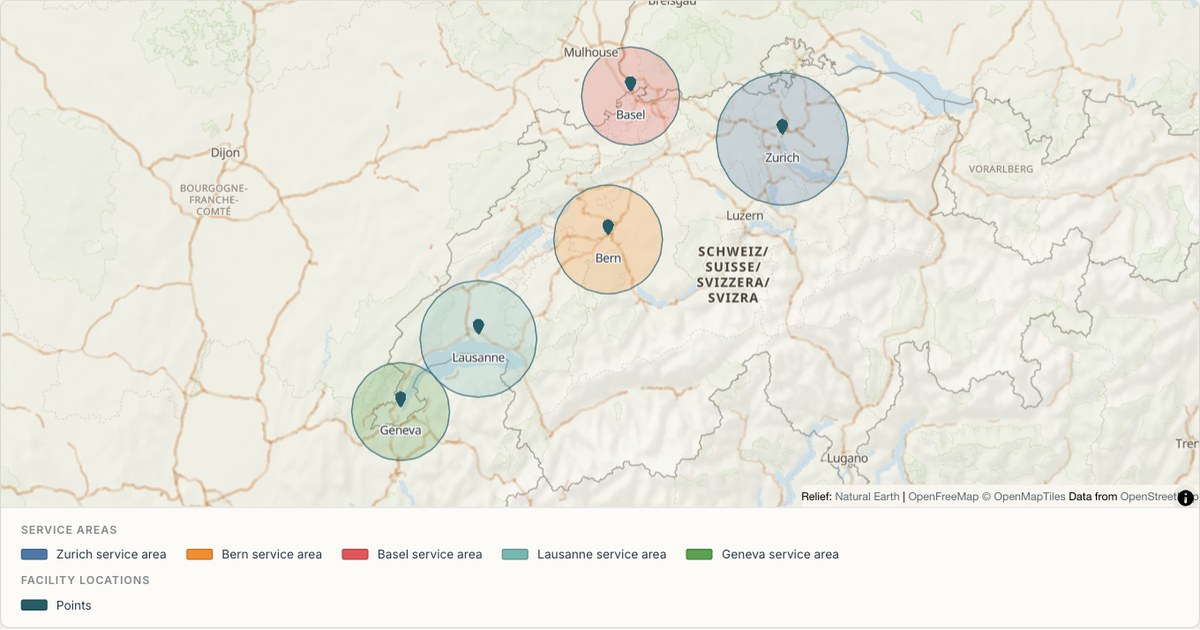 CSVFacility catchments
Hospital catchment areas
Catchment polygons drawn around facility points. Catchments are the most common polygon a non-GIS user needs, and generating them from a radius is faster and more reproducible than tracing boundaries by hand.
Open map →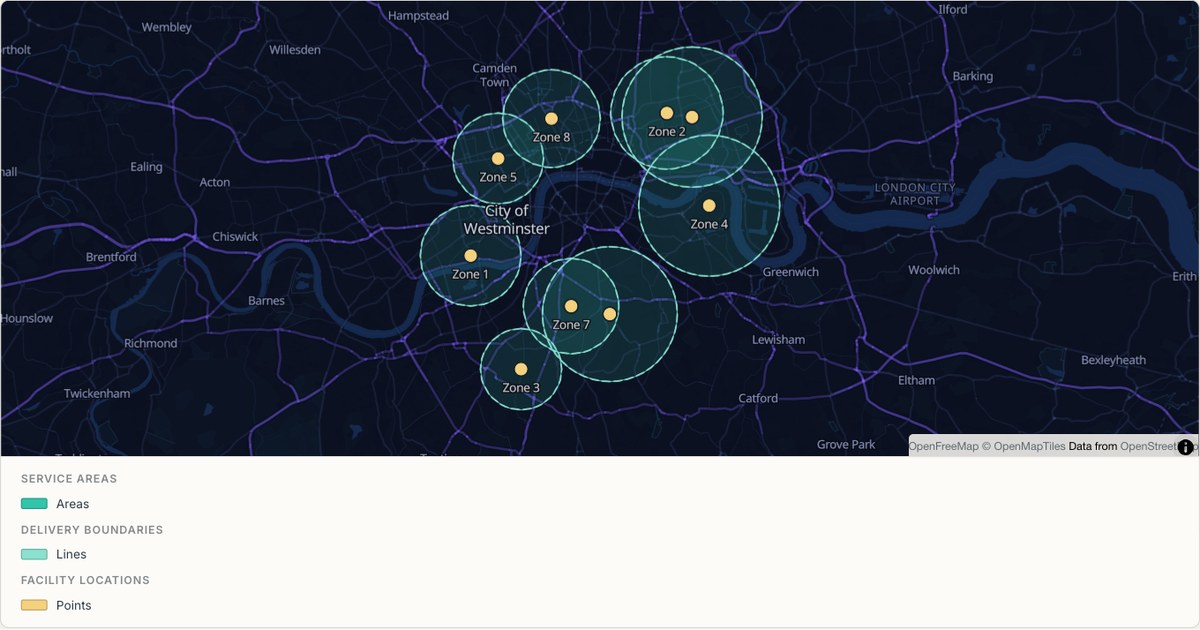 GeoJSONDashed coverage zones
Delivery zones with overlaps
Overlapping zones drawn at partial opacity on a dark basemap. Where two zones overlap the fill deepens, which turns a coverage map into a map of contention without adding a single extra layer.
Open map →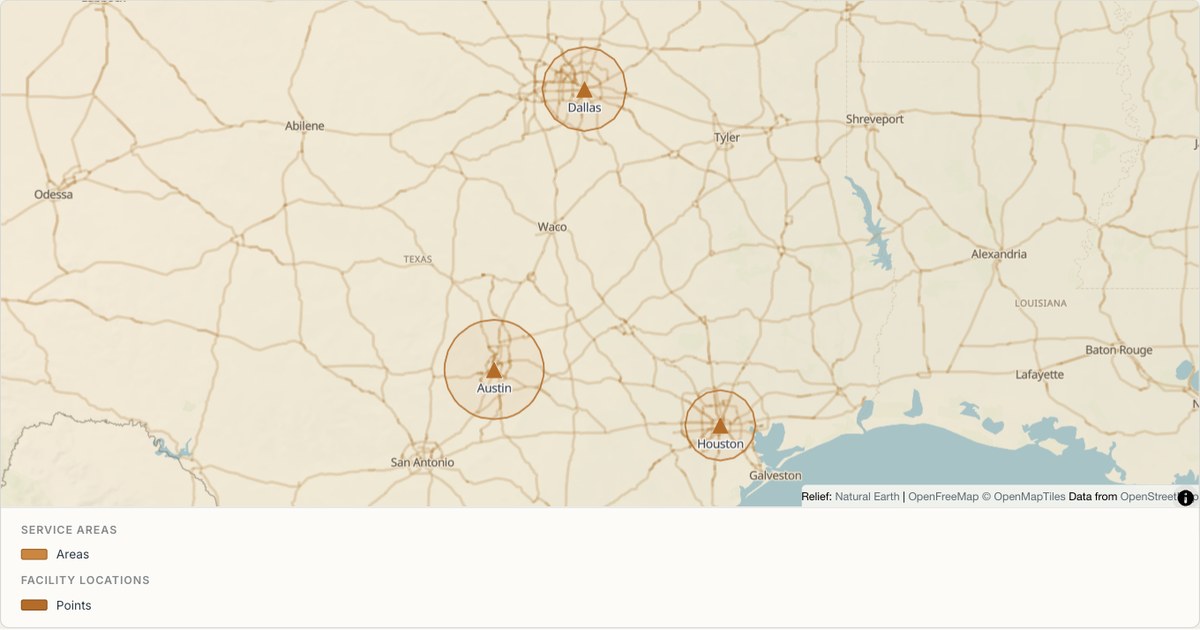 KMLOutline buffers
School catchments across Texas
Large rural catchments with a wide radius variation, imported from KML. At this scale a fixed radius would be wrong for both a city district and a rural county, so the radius is read from the data.
Open map →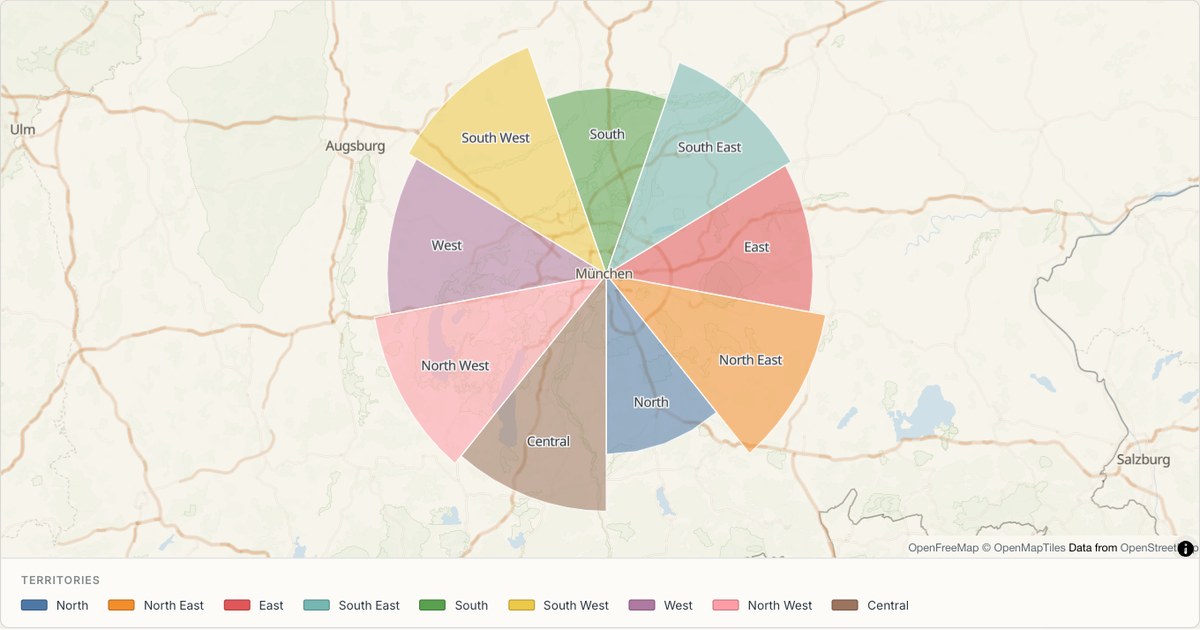 ExcelTerritory map
Sales territories around Munich
Wedge-shaped territories sharing exact edges, coloured by category with revenue in the popup. Shared edges are what make a territory map look designed: independently drawn polygons leave slivers and overlaps that read as sloppiness.
Open map →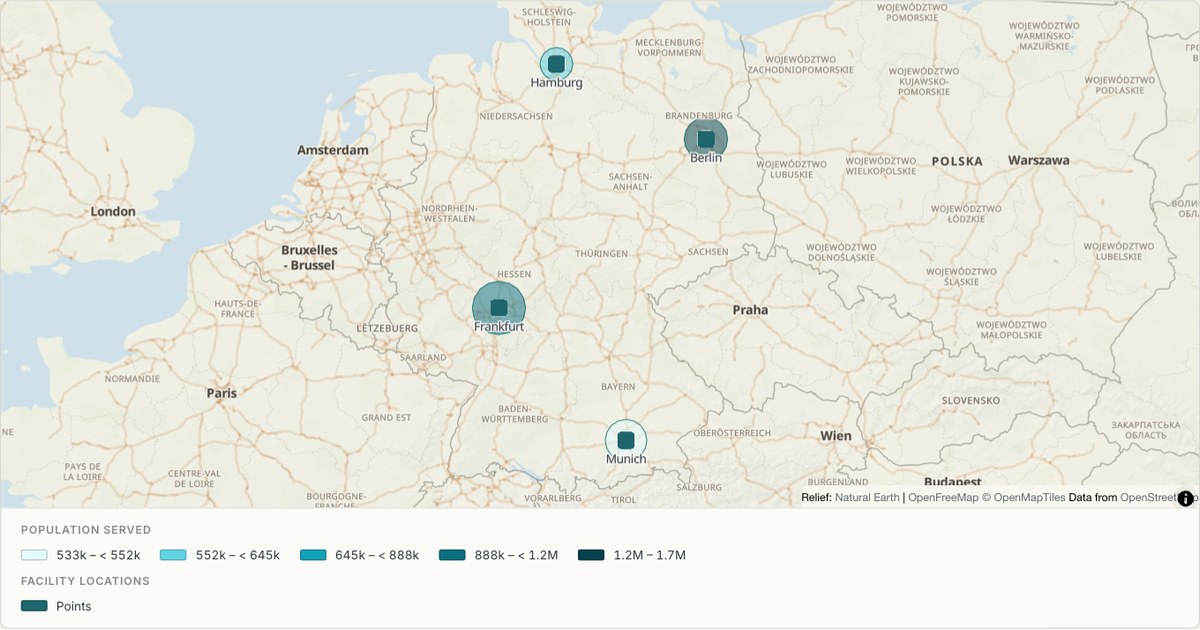 ShapefileService areas
Urban areas from a zipped Shapefile
A Shapefile arrives as a folder of files that has to be zipped before it can be sent anywhere. MapCrafter reads the zip directly, pairing the .shp geometry with the .dbf attribute table and honouring the .prj projection if one is present.
Open map →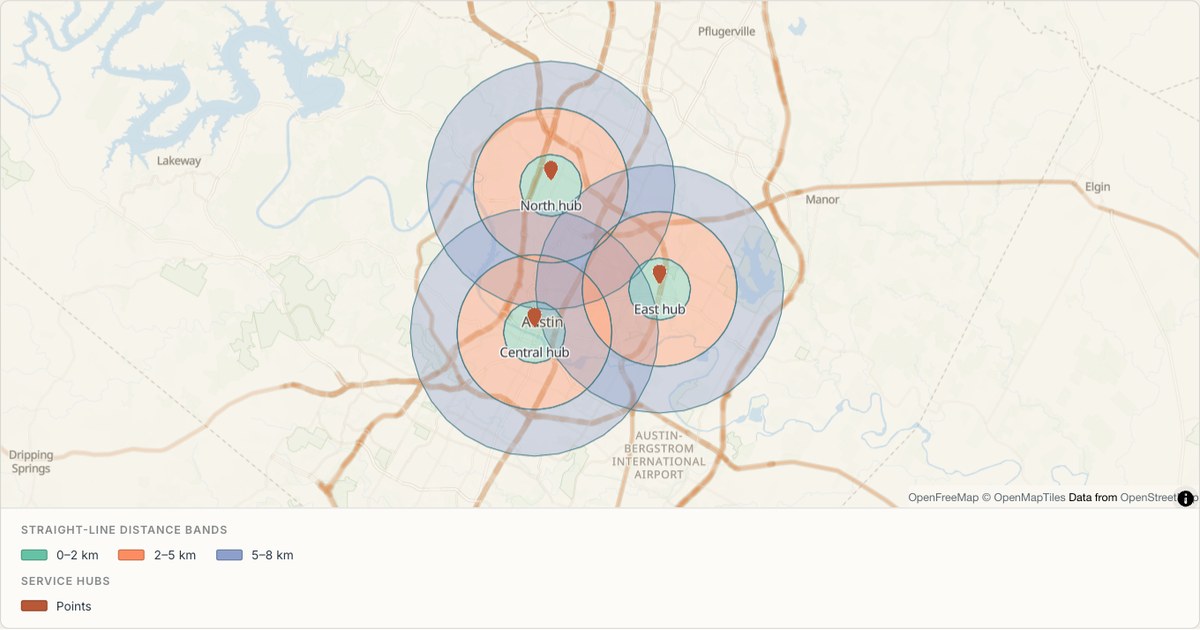 GeoJSONDistance bands
Distance bands around Austin service hubs
Three distance bands distinguish local, intermediate and extended reach around each service hub. The outer rings have holes, so colours do not stack within a single hub. These are straight-line distance buffers and do not represent driving times or official service boundaries.
Open map →
Pin maps
View all 6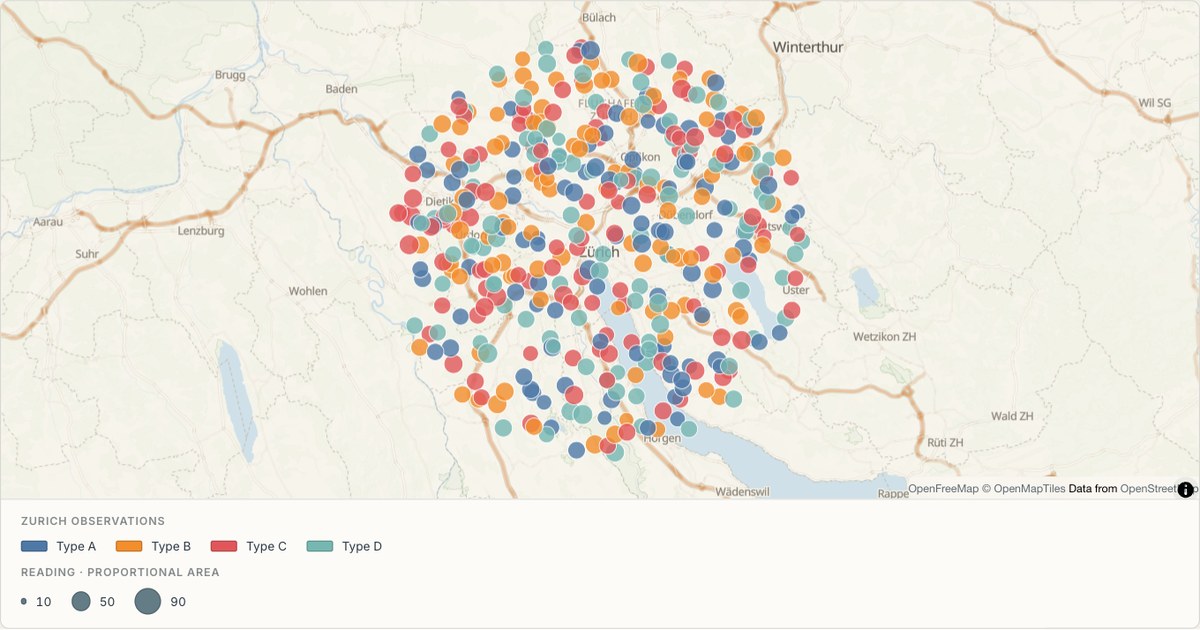 CSVGraduated circles
A tree inventory as a categorical point map
Point data coloured by species category. Categorical colour is the hardest palette to get right: two categories that look alike are not a cosmetic problem, they are two categories the reader will merge into one.
Open map →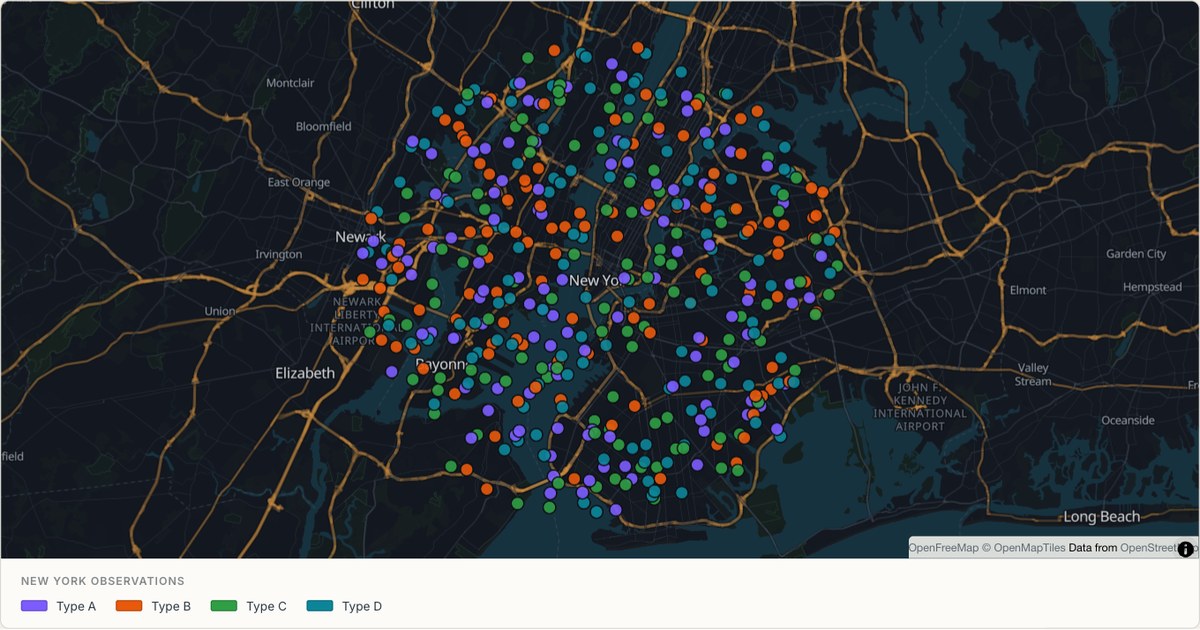 CSVCategorical points
Four hundred inspections across New York
A dense point layer on a dark basemap, where marker opacity and stroke width do the work that colour cannot. Past a few hundred markers, the marks must be translucent or the map becomes a solid mass.
Open map →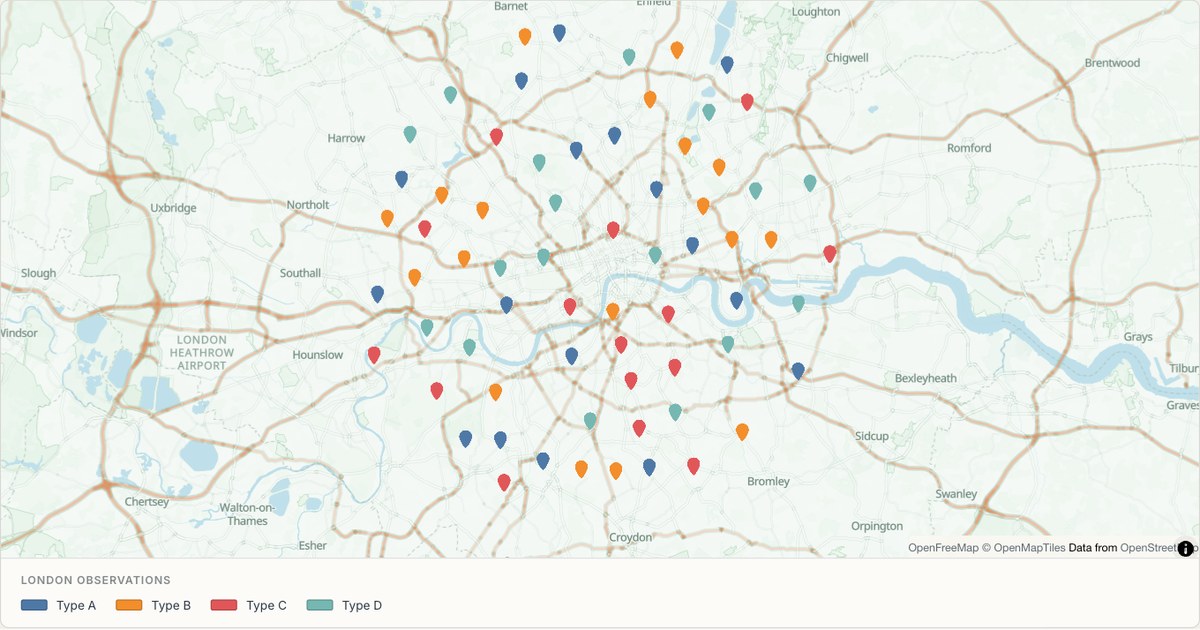 GeoJSONLocation pins
Bike stations across London
A GeoJSON FeatureCollection with properties used directly. GeoJSON is the one format that already speaks the renderer’s language, so the only real decision left is how to style it.
Open map →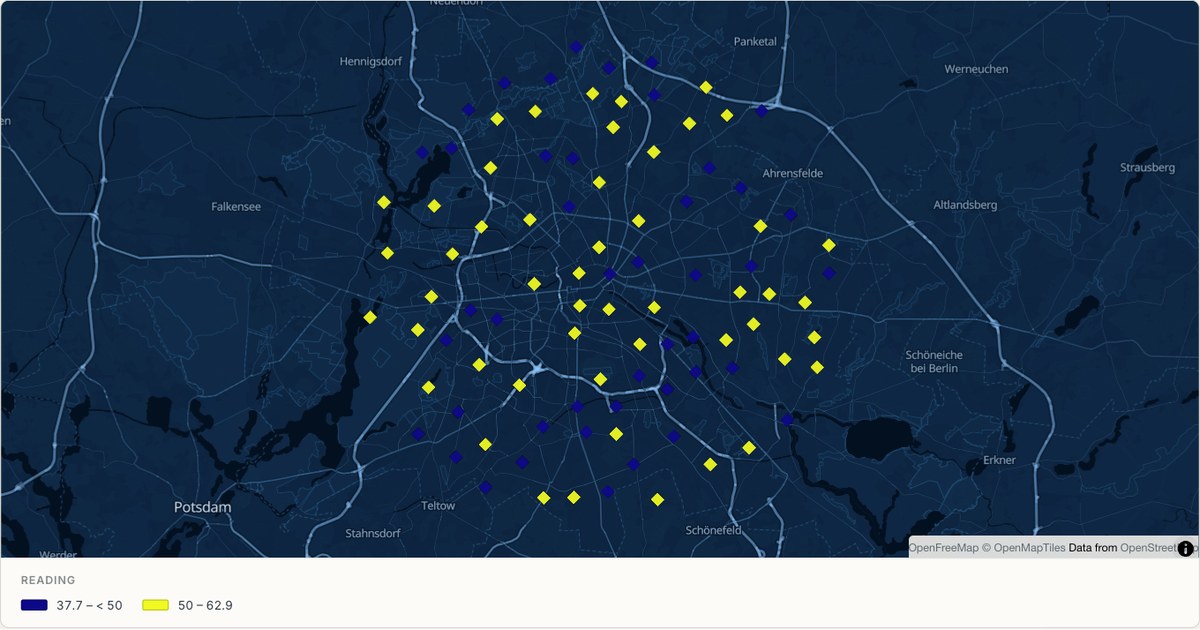 CSVClassified diamonds
Air quality monitoring in Berlin
Classified diamond markers encode a numeric reading, which is often more useful than a raw number alone. Converting a continuous measurement into bands is a modelling decision, so the thresholds belong on the map, not buried in a spreadsheet.
Open map →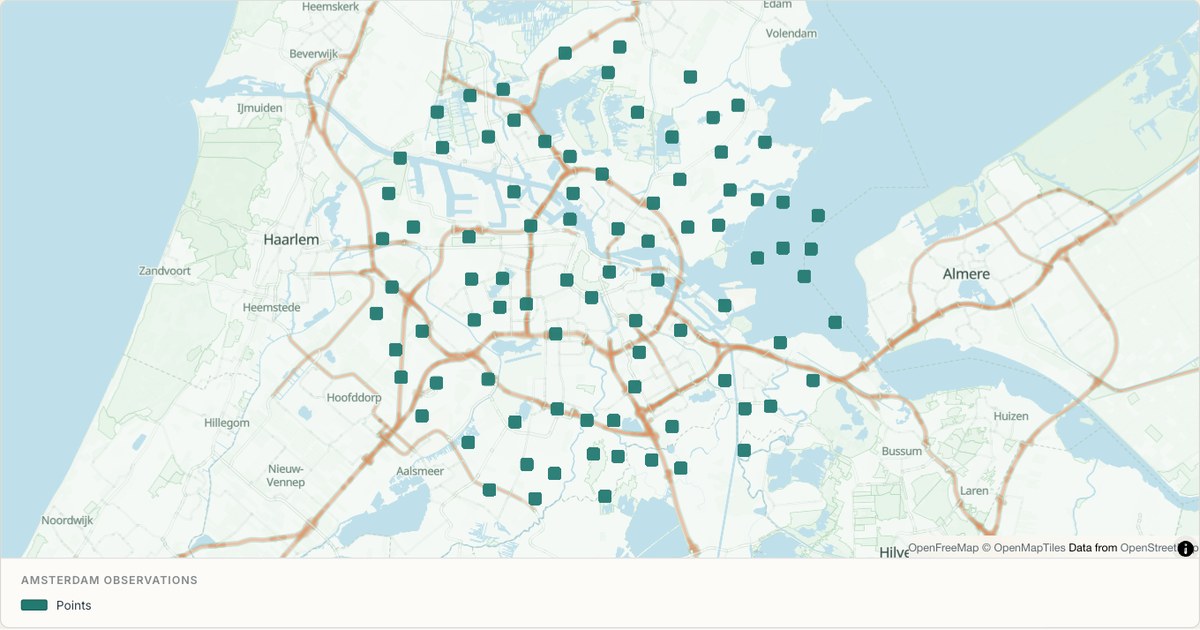 KMZSquare placemarks
A KMZ export from Google Earth
KMZ is a zipped KML file, which is what Google Earth produces by default. MapCrafter unzips it in the browser rather than asking you to expand it first, because the format people actually have is the one the tool has to accept.
Open map →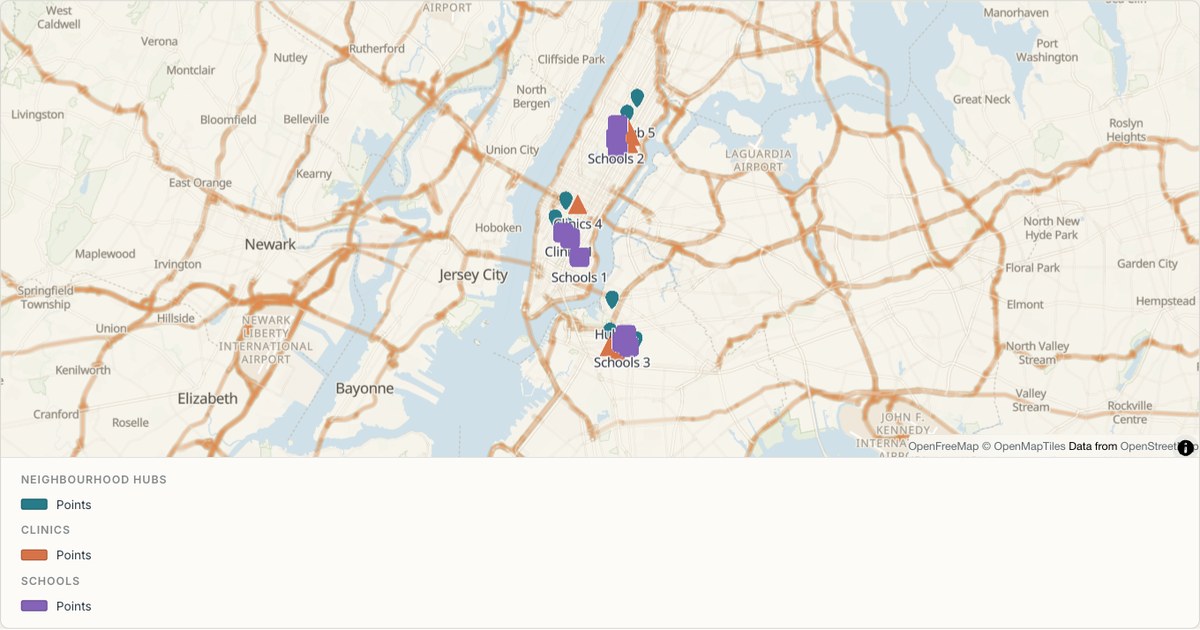 GeoJSONMulti-symbol markers
Facility types marked by shape in New York
Pins, triangles and squares distinguish three types of facility, with colour providing a second cue. Each group is a separate editable layer with names and popups. The example uses hypothetical facilities to demonstrate a multi-symbol map without claiming to be a real service directory.
Open map →
None of these match your data?
The examples are just a starting point. Import your own file and MapCrafter detects the geometry, suggests a style, and gives you the same layer controls these demos use.
Start a map from your file