
Also called line network
Route maps
Route maps show paths and networks. MapCrafter renders line geometry from GPX, KML, GeoJSON and other supported files, with colour, width and dash controls. The gallery includes prepared route networks; the studio does not calculate road routes from a list of stops.
What a route map is
Recorded tracks already contain a path. An origin-destination table contains locations, not a route: prepare line geometry before import if you need to connect them.
Available GPX names, types and timestamp metadata are preserved by conversion. Distance, ascent, duration and pace are not calculated. Supply numeric feature properties if you want to style by these measures.
A straight or curved connection diagram is not a navigable road route. Label schematic networks accordingly and use a routing service for directions or travel-time analysis.
Use it when
- Recorded GPS tracks or supplied line geometry
- Rail, flight or transport networks with prepared paths
- Comparing traffic or frequency attached to each line
Reach for something else when
Use a routing tool to calculate driving directions or an optimal stop order. This studio displays and styles paths that already exist.
Route maps examples
6 live maps, each listing its source format, its columns and the provenance of the data.
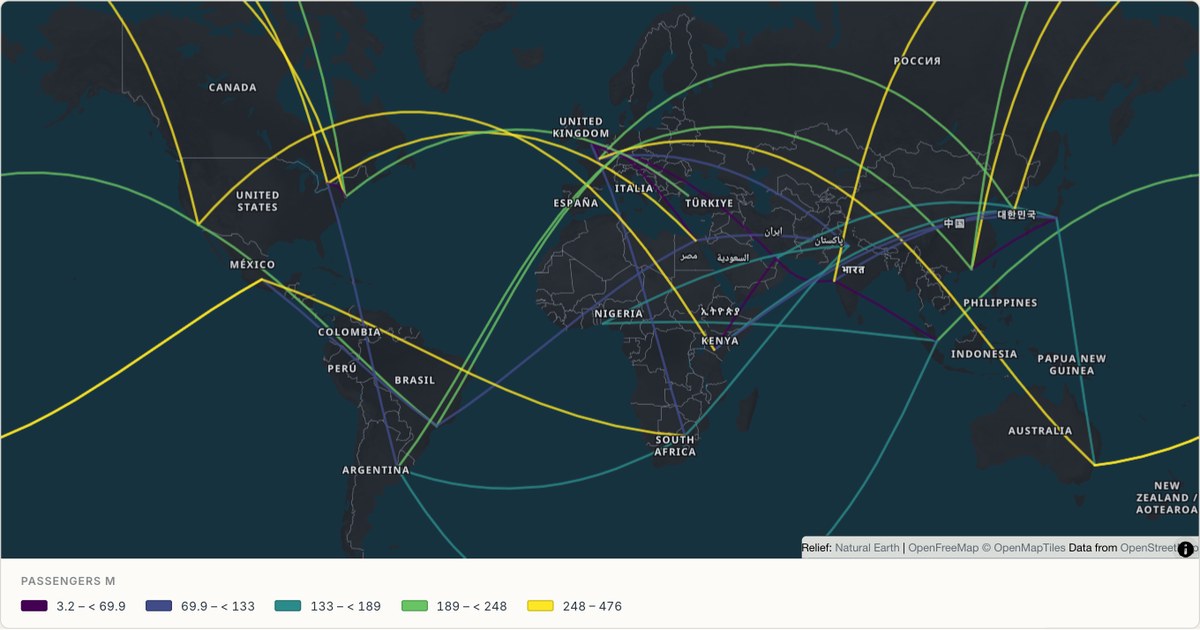 CSVRoute map
Flight routes from an origin-destination table
Routes drawn from a table with from and to columns, matched against a built-in place index. Origin-destination tables are the most common shape of transport data, and requiring pre-built line geometry rules out most of it.
Open map →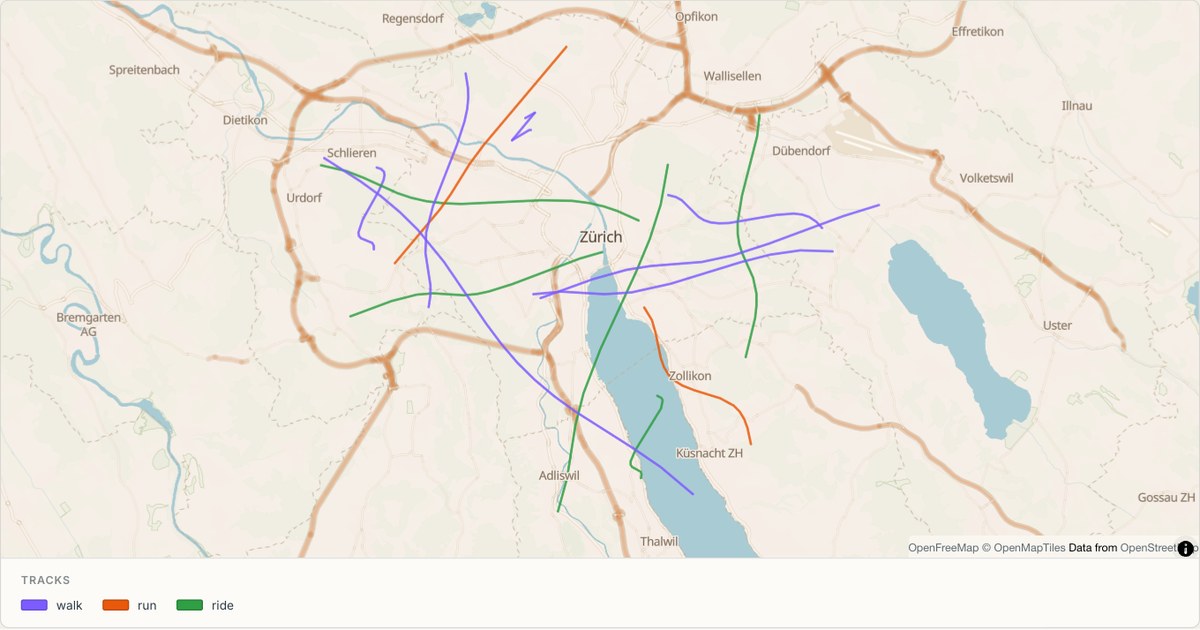 GPXRoute map
GPS tracks in the Alps
Recorded tracks from a GPX file, coloured by activity type. GPX is the one format that arrives with lines already, so the import path is short — but elevation, timestamps and activity type all need somewhere to live.
Open map →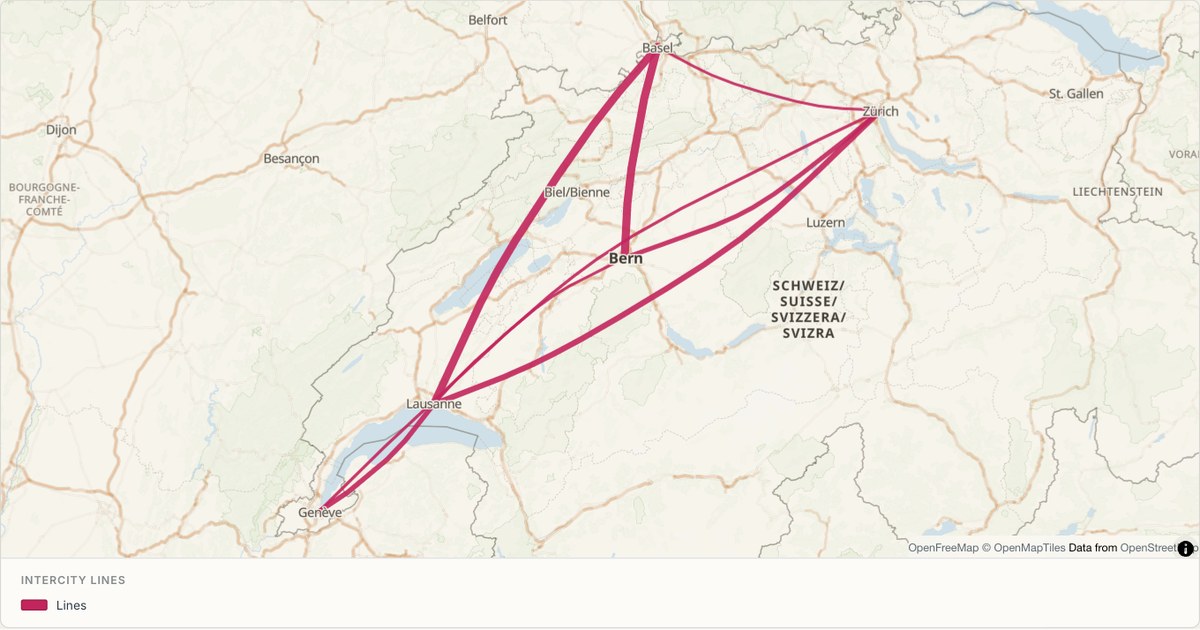 KMLRoute map
Intercity rail lines
A network diagram in geographic space, with line weight carrying service frequency. Line width is a free visual channel that most tools leave unused, and it is the right one when the data is a count of something moving along the line.
Open map →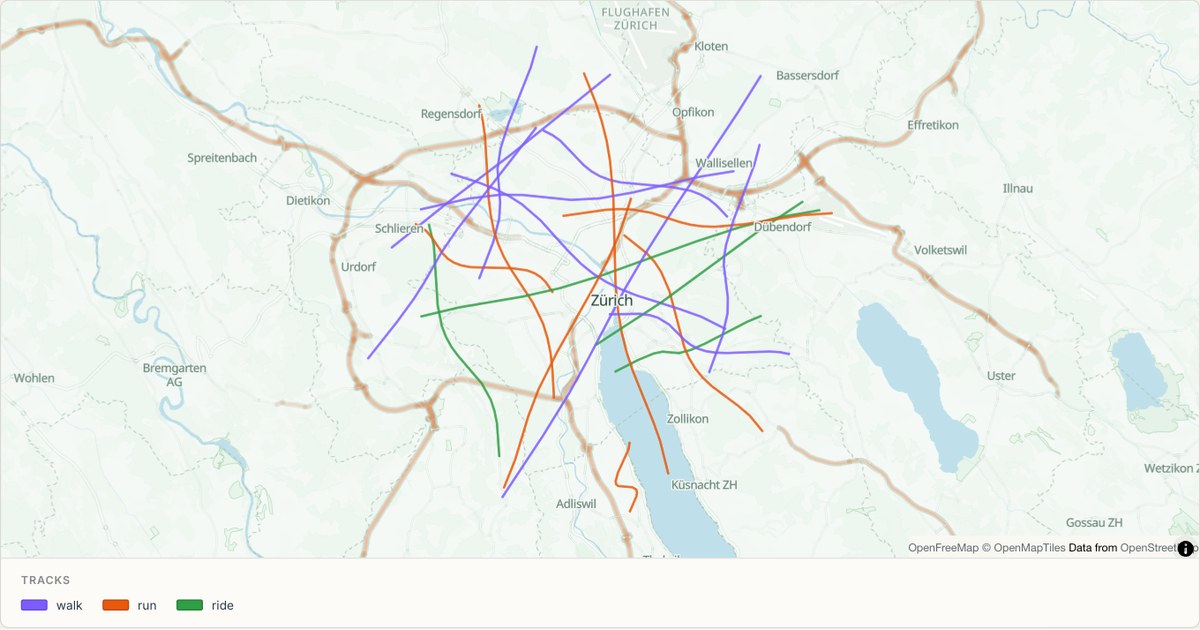 GPXRoute map
Cycling routes around Zürich
Dashed lines for recreational routes, which is the standard cartographic convention for paths that are not roads. Dash patterns separate route types without spending a colour, leaving colour free for the data that matters.
Open map →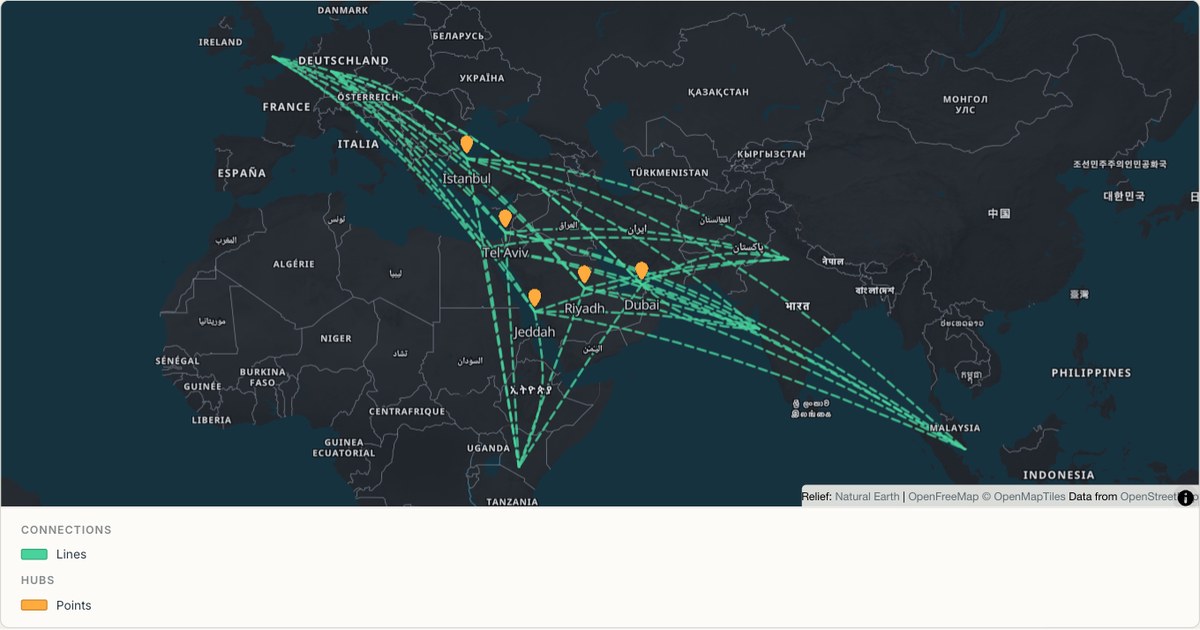 CSVNetwork map
Aviation hubs and their routes
Two layers from one dataset: hubs as points, connections as lines, drawn in a single coordinated view. Layering is what turns a plot into an argument, and it is the reason a layer tree rather than a single style dialog is the right interface.
Open map →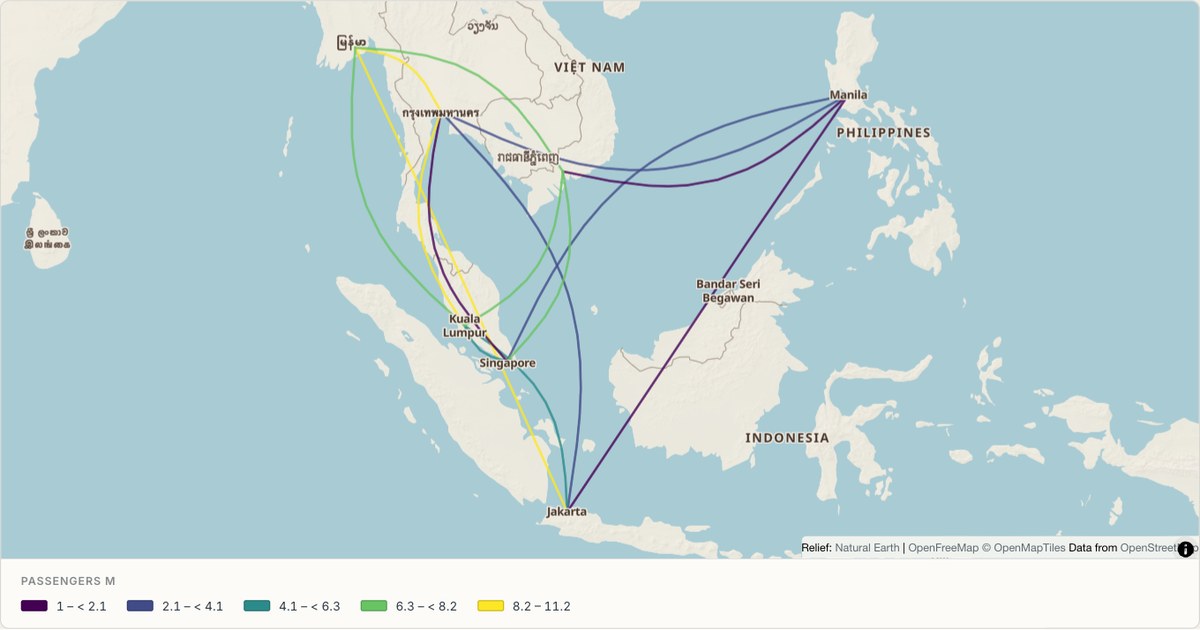 CSVNetwork map
A route network across Southeast Asia
Curved connections between island cities, where straight lines would cross water misleadingly. On an archipelago, the curve is not decoration: it distinguishes a route that follows a corridor from one that implies a land connection.
Open map →
route map questions
- Can I route between place names?
- Not automatically in the current studio. Prepare the line geometry using a routing or GIS tool, then import it.
- Why does a GPX track have gaps?
- Separate recorded segments preserve gaps rather than adding a path that was never recorded.
- Are track statistics calculated?
- No. Calculate distance, ascent or duration before import if you need these as numeric fields.