
Also called point markers
Pin maps
A pin map shows individual locations with markers. Import coordinates or point geometry, or run an address lookup after importing address rows. Choose circles or symbols, colour by a category and select the fields shown in labels and popups.
What a pin map is
Use markers for sites, inspections, samples or facilities whose exact locations matter. Colour and shape can distinguish categories, while popups carry details that would clutter the map as permanent labels.
Symbol markers can use collision handling to reduce overlap. Dense datasets may hide points or labels depending on those settings, so inspect the full extent and use a heatmap when concentration is the main message.
Use it when
- Individual locations are the subject
- A category such as facility type needs a colour or symbol
- Details can be read through feature popups
Reach for something else when
Use bubbles when magnitude matters and a heatmap when markers obscure one another. Use polygons when the area itself is the subject.
Pin maps examples
6 live maps, each listing its source format, its columns and the provenance of the data.
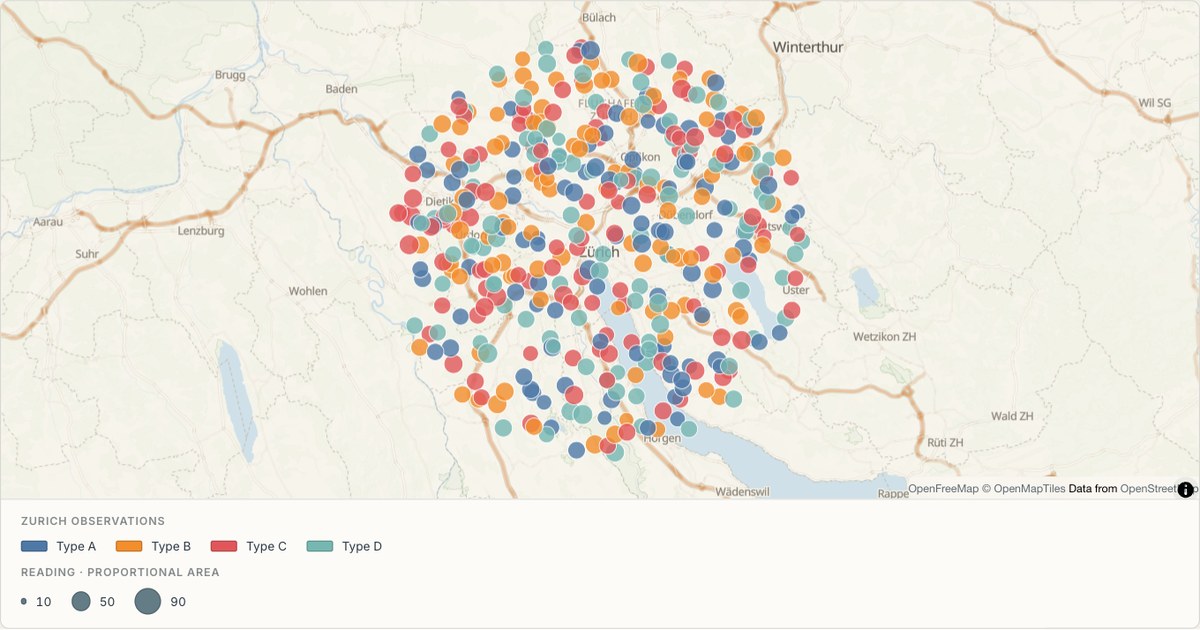 CSVGraduated circles
A tree inventory as a categorical point map
Point data coloured by species category. Categorical colour is the hardest palette to get right: two categories that look alike are not a cosmetic problem, they are two categories the reader will merge into one.
Open map →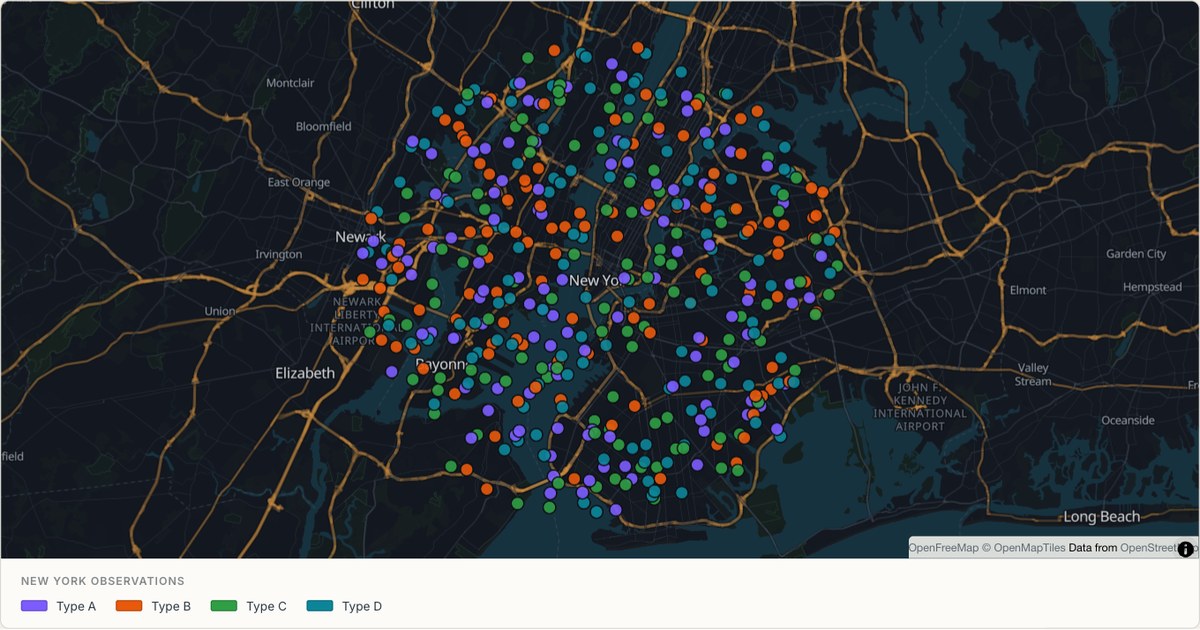 CSVCategorical points
Four hundred inspections across New York
A dense point layer on a dark basemap, where marker opacity and stroke width do the work that colour cannot. Past a few hundred markers, the marks must be translucent or the map becomes a solid mass.
Open map →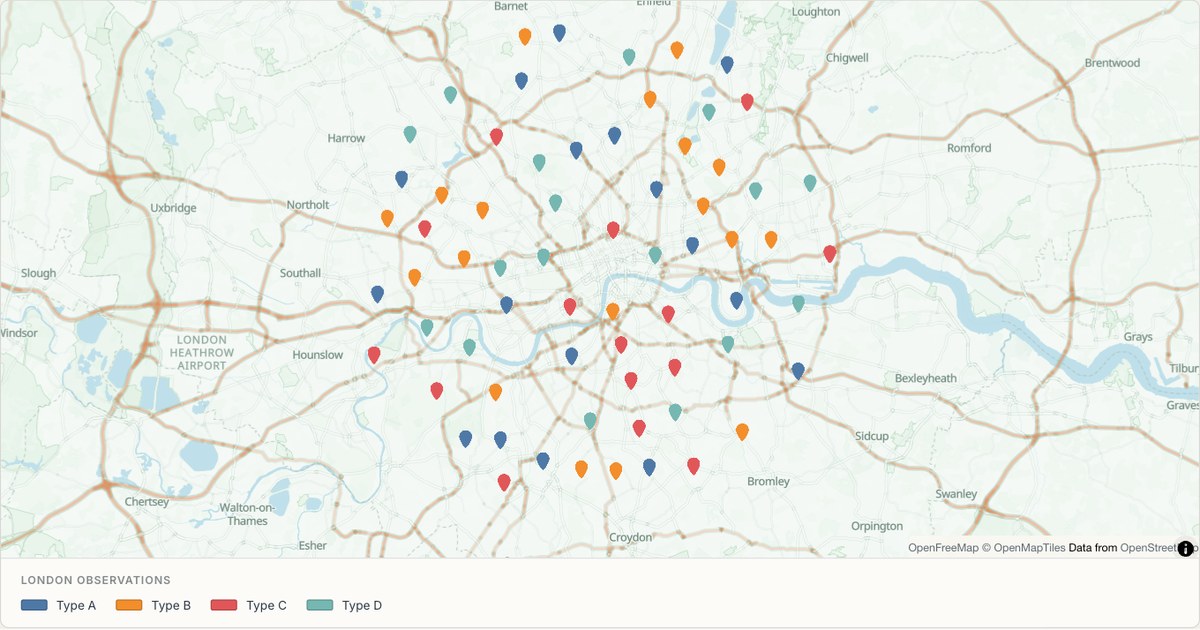 GeoJSONLocation pins
Bike stations across London
A GeoJSON FeatureCollection with properties used directly. GeoJSON is the one format that already speaks the renderer’s language, so the only real decision left is how to style it.
Open map →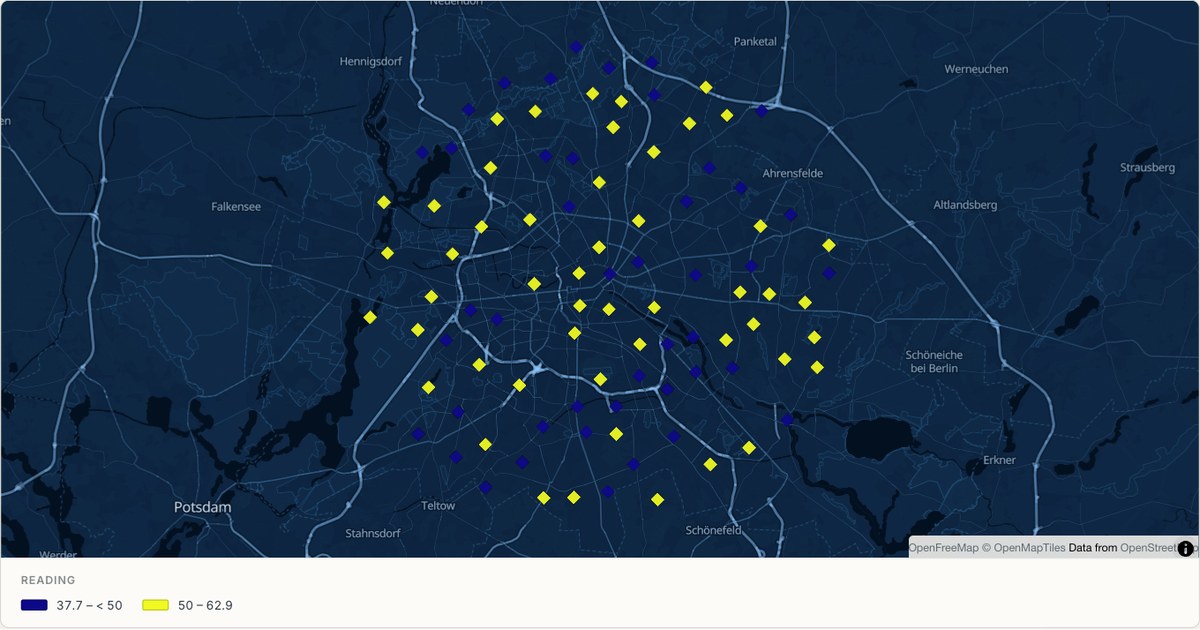 CSVClassified diamonds
Air quality monitoring in Berlin
Classified diamond markers encode a numeric reading, which is often more useful than a raw number alone. Converting a continuous measurement into bands is a modelling decision, so the thresholds belong on the map, not buried in a spreadsheet.
Open map →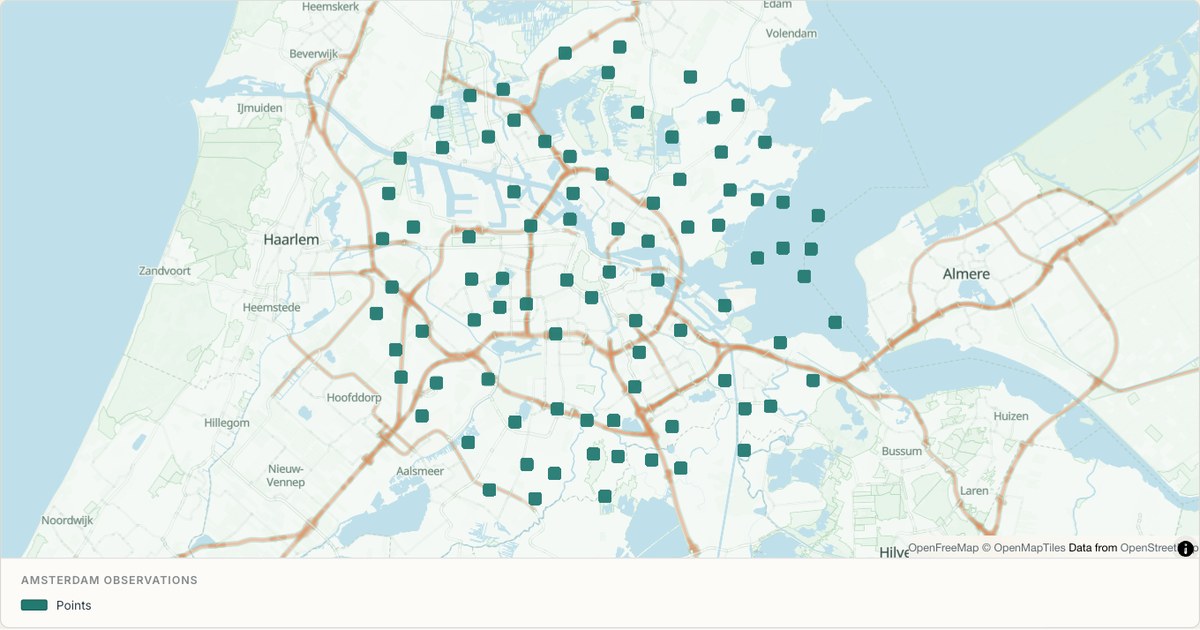 KMZSquare placemarks
A KMZ export from Google Earth
KMZ is a zipped KML file, which is what Google Earth produces by default. MapCrafter unzips it in the browser rather than asking you to expand it first, because the format people actually have is the one the tool has to accept.
Open map →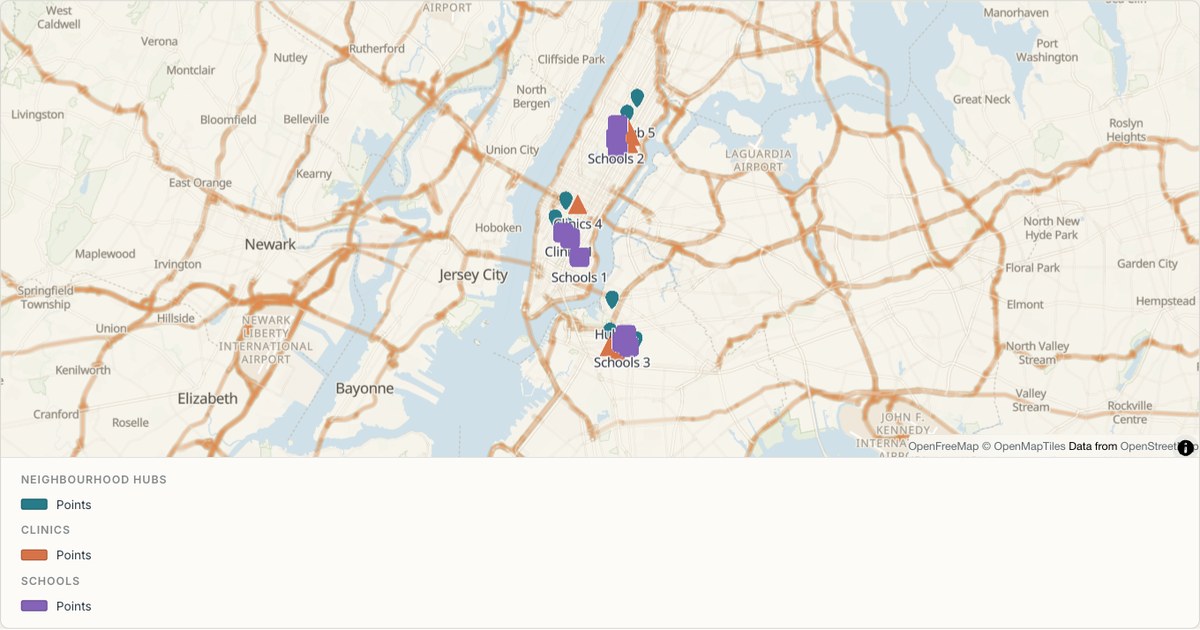 GeoJSONMulti-symbol markers
Facility types marked by shape in New York
Pins, triangles and squares distinguish three types of facility, with colour providing a second cue. Each group is a separate editable layer with names and popups. The example uses hypothetical facilities to demonstrate a multi-symbol map without claiming to be a real service directory.
Open map →
pin map questions
- Are addresses geocoded automatically?
- The importer retains address rows. Select the layer and start geocoding in its inspector. Verify the matched places before sharing.
- Can I change the marker shape?
- Yes. The point inspector offers circles and symbol markers with styling and overlap controls.
- What appears when I click a marker?
- The selected popup fields from the feature. Values are escaped and displayed as text, including any markup contained in the source.